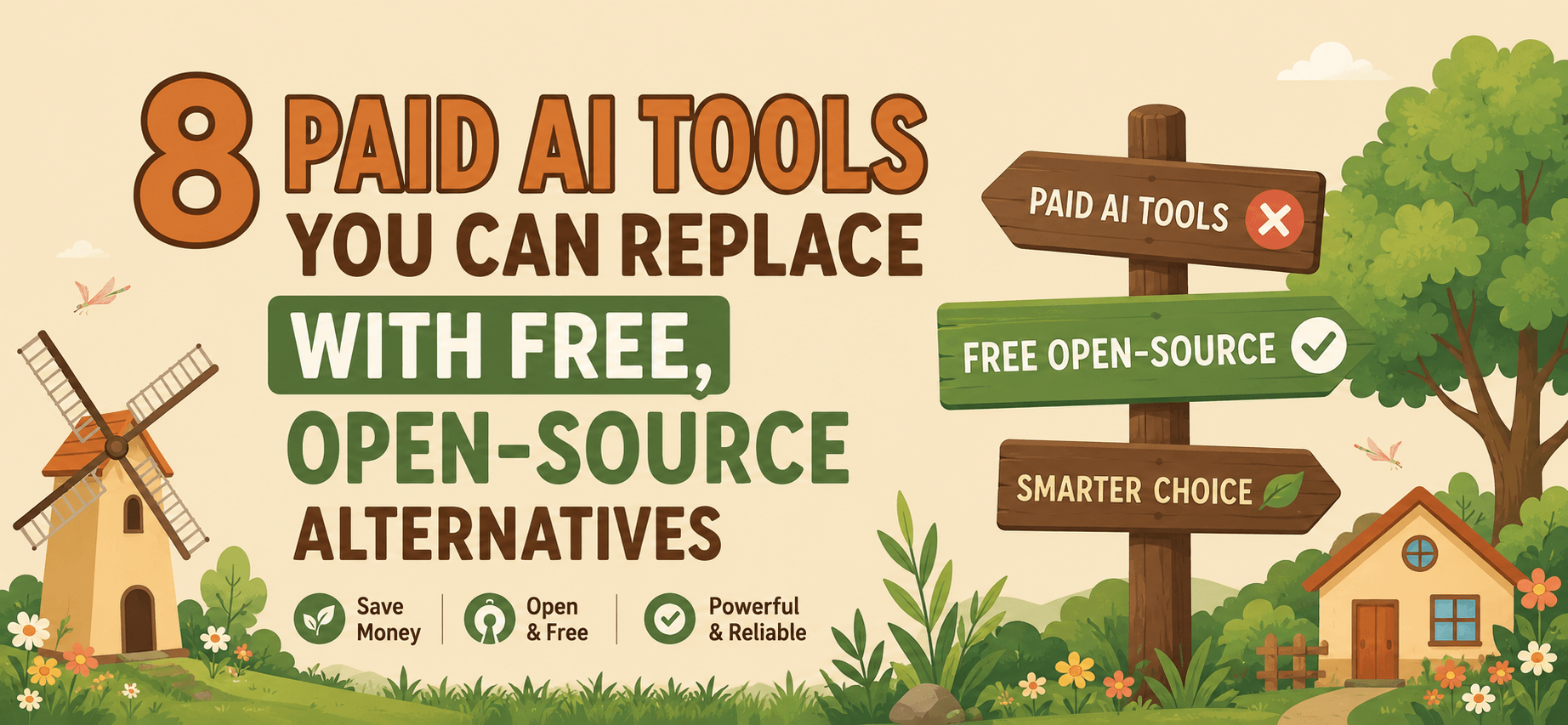
Here's a rundown of all 8, plus what you actually give up by switching.👇
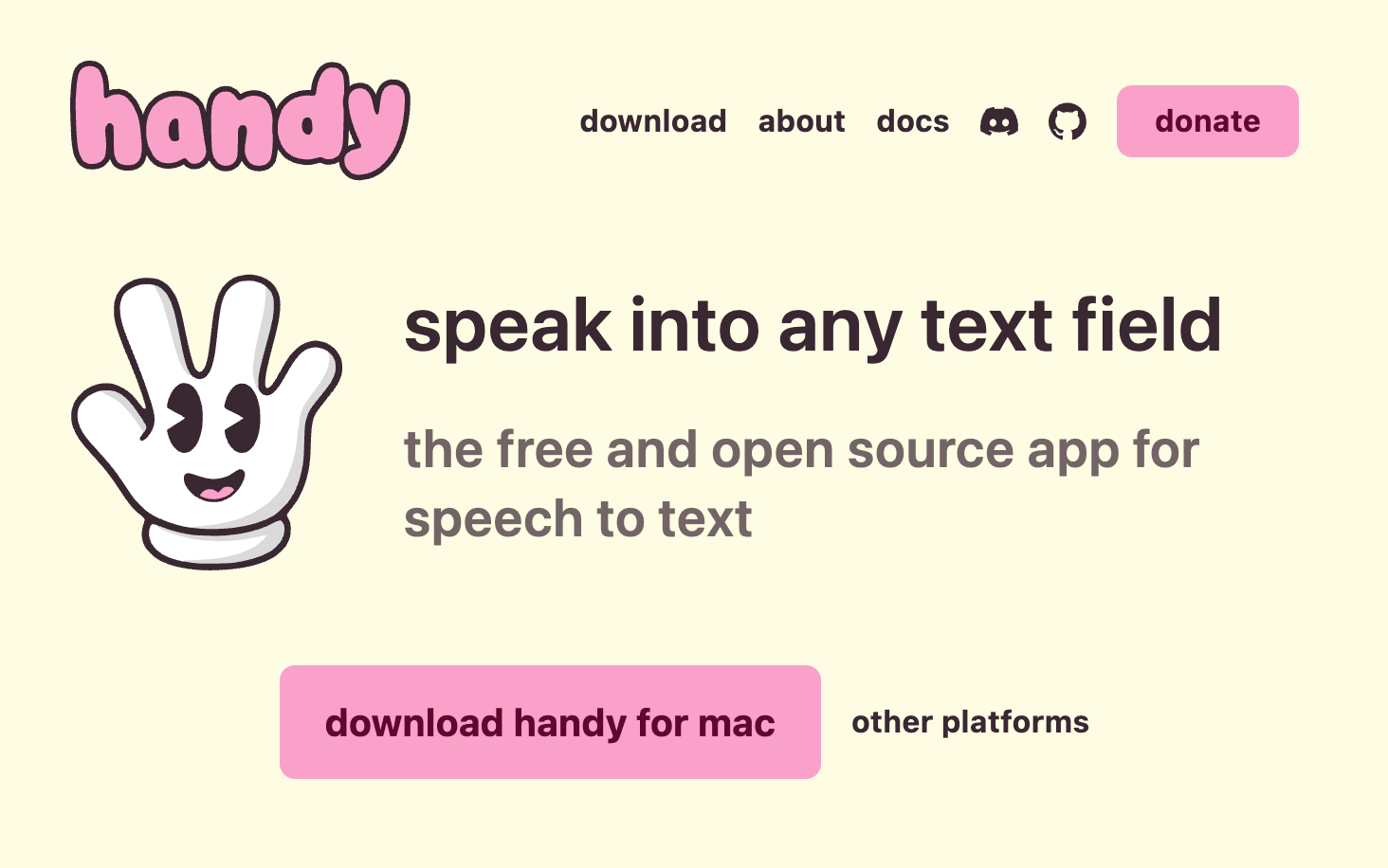
Wispr Flow is a solid paid dictation tool for turning speech into text across any app. Handy does the same job as an open-source, always-free alternative dictation AI that works offline and doesn't send your voice data anywhere. Good pick if dictation is a daily habit and you don't want a recurring charge for it.
👉 Free app: handy.computer
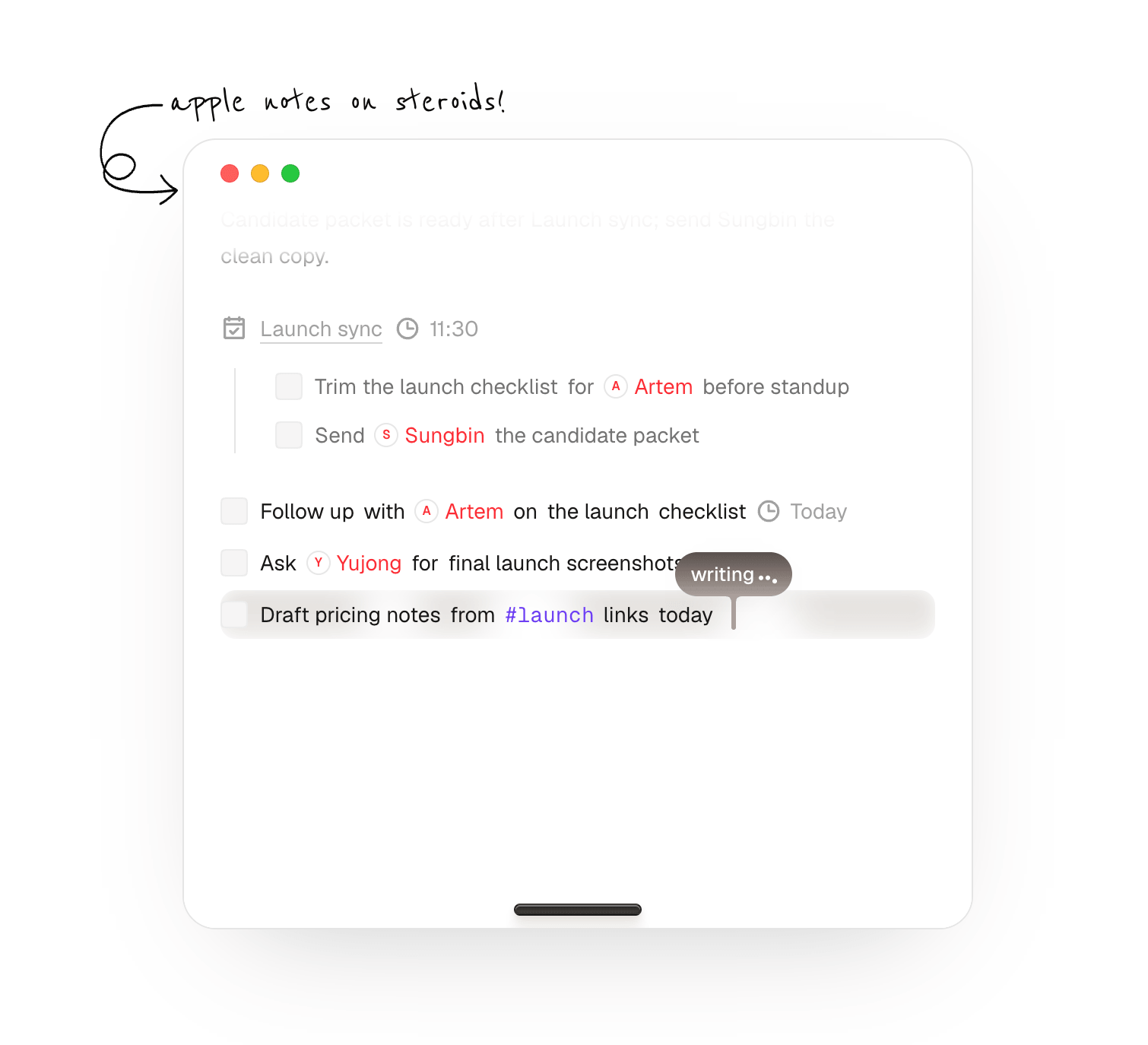
Granola generates AI meeting notes but processes everything in the cloud. Char keeps the same idea transcript plus AI summary but runs locally on your device instead of sending your meeting audio to a third-party server. The trade-off: setup takes a bit more effort since you're not just signing up for a hosted service.
👉 Free app: https://char.com/
Perplexity's paid tier gives you an AI-powered answer engine with cited sources. Perplexica is the open-source version of that idea same concept of cited, sourced answers, but self-hosted, so you control the infrastructure. The catch: you need to bring your own model and search provider, which means more setup than just paying for Pro.
👉 Free app: github.com/ItzCrazyKns/Perplexica
Cursor is a popular paid AI coding editor. Void offers a similar smart-editor experience but is open source and lets you plug in local models (Llama, etc.) instead of being locked into Cursor's hosted model. You keep your code on your own machine. Being newer, it's a little less polished around the edges than Cursor.
👉 Free app: voideditor.com
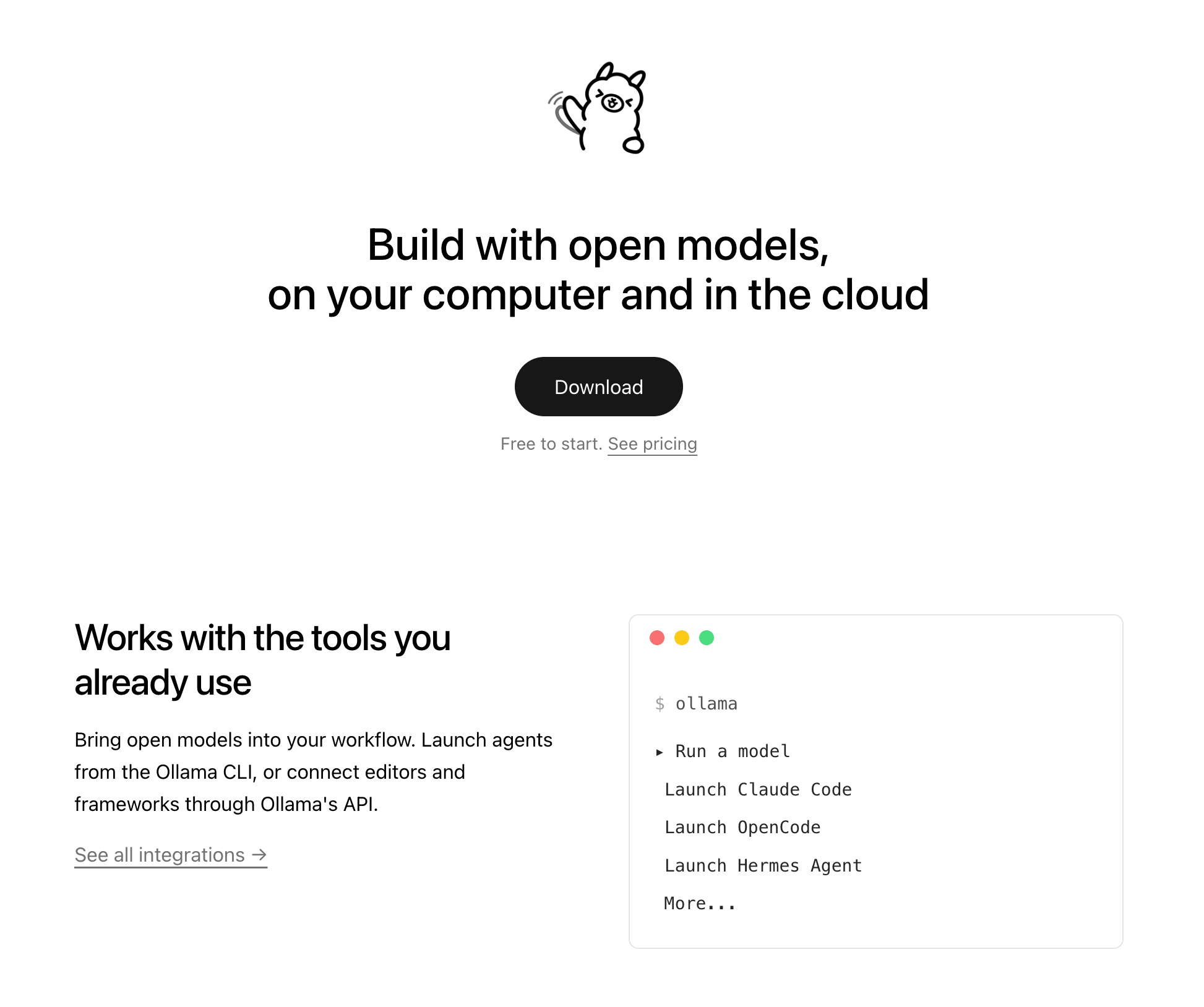
Instead of paying for ChatGPT Plus, you can self-host a chat interface using Open WebUI paired with Ollama to run local models like Llama 3, Mistral, or Phi-3. You get a private, self-hosted setup with no monthly fee and full model choice the trade-off being that local models generally don't match frontier-model quality, so you may still want API access for the toughest tasks.
👉 Free app: openwebui.com + ollama.com
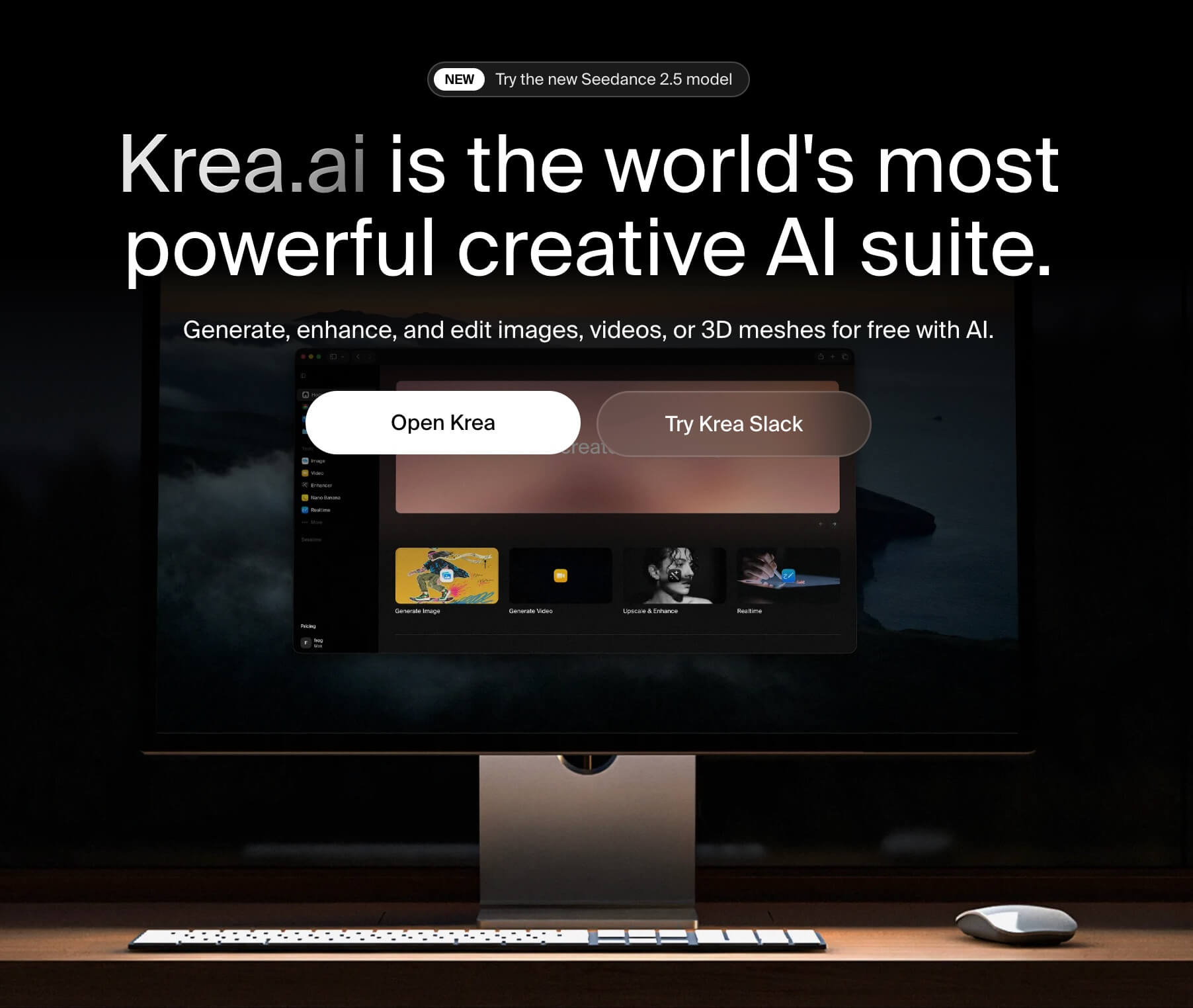
Midjourney is convenient but fully cloud-based and paid. ComfyUI (a node-based local workflow tool) combined with Krea 2 (for upscaling and creative enhancement) gives you the same image-generation capability, but running on your own GPU with full control over the model and pipeline. You trade convenience for control and you'll need a decent GPU plus some patience to learn the node-based workflow.
👉 Free app: comfy.org + krea.ai
If most of what you need is grammar and correctness checking rather than AI rewriting, LanguageTool covers that as an open-source, free tool supporting 25+ languages, with a self-hosting option for privacy. You lose some of Grammarly's generative rewriting and tone-adjustment features, but for straightforward proofreading it holds up.
👉 Free app: languagetool.org
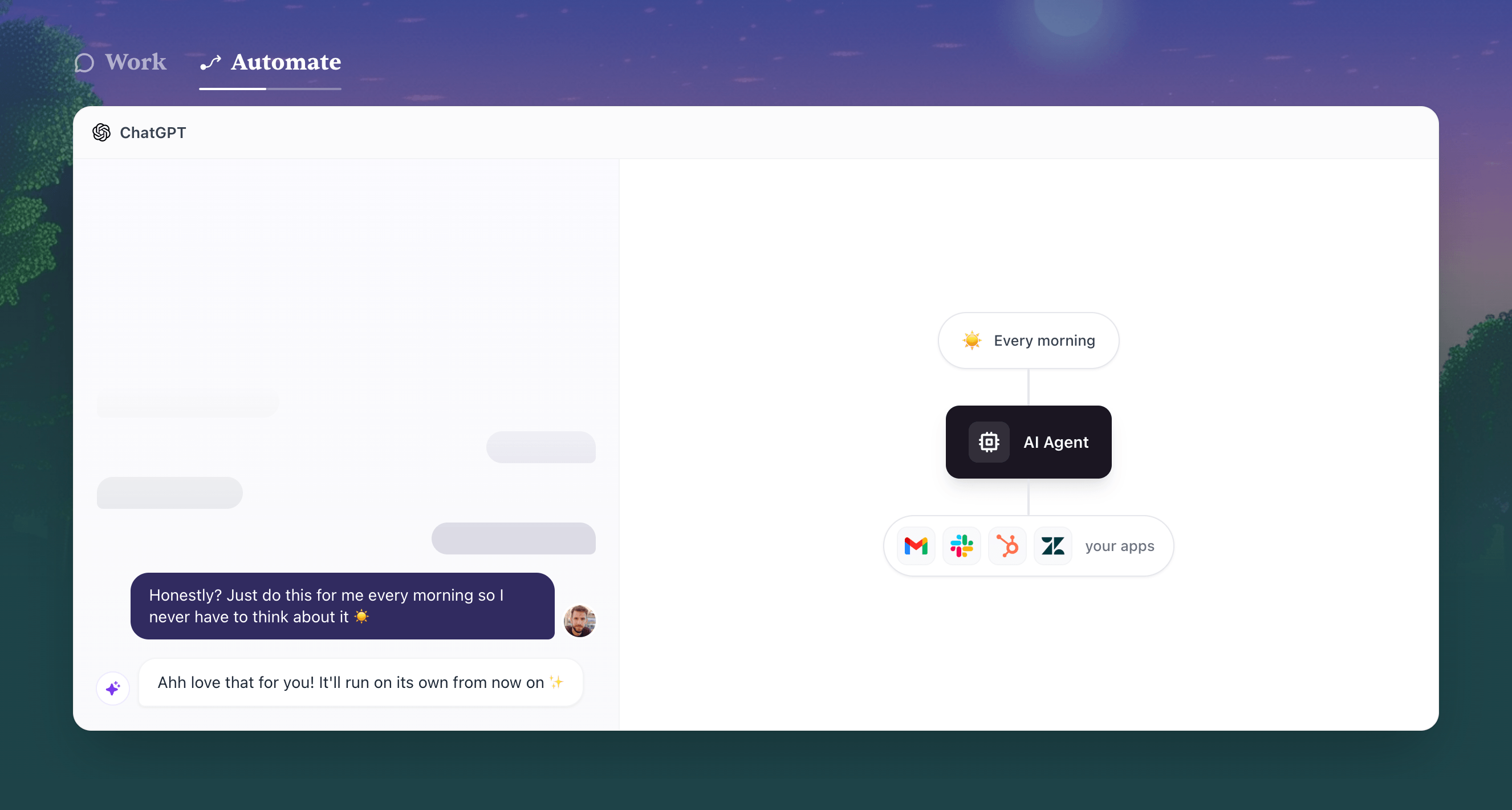
Zapier is the default choice for connecting apps and automating workflows, but it's usage-based pricing and you don't own the infrastructure. Activepieces is an open-source, self-hostable alternative with AI-ready steps built in, unlimited workflows, and no per-task pricing. The trade-off is a smaller library of pre-built integrations compared to Zapier's extensive catalog.
👉 Free app: activepieces.com
Every one of these swaps follows the same pattern: trade a monthly subscription and cloud dependency for a bit of setup time and self-hosting responsibility. That's not the right trade for everyone if you value convenience and zero maintenance, the paid tools 💰 still make sense. But if you're comfortable running things locally or on your own server, this is a legitimate way to cut real recurring costs without losing most of the functionality.
Worth noting: open-source tools mean you're also responsible for updates, security, and troubleshooting yourself there's no support line to call 📞 when something breaks. Weigh that against what you're actually saving before you migrate your whole workflow.

Get in touch to personalise your website with custom features and enhanced functionality.

250+ components. Zero fluff. Just clean webflow elements to help you build better websites faster.