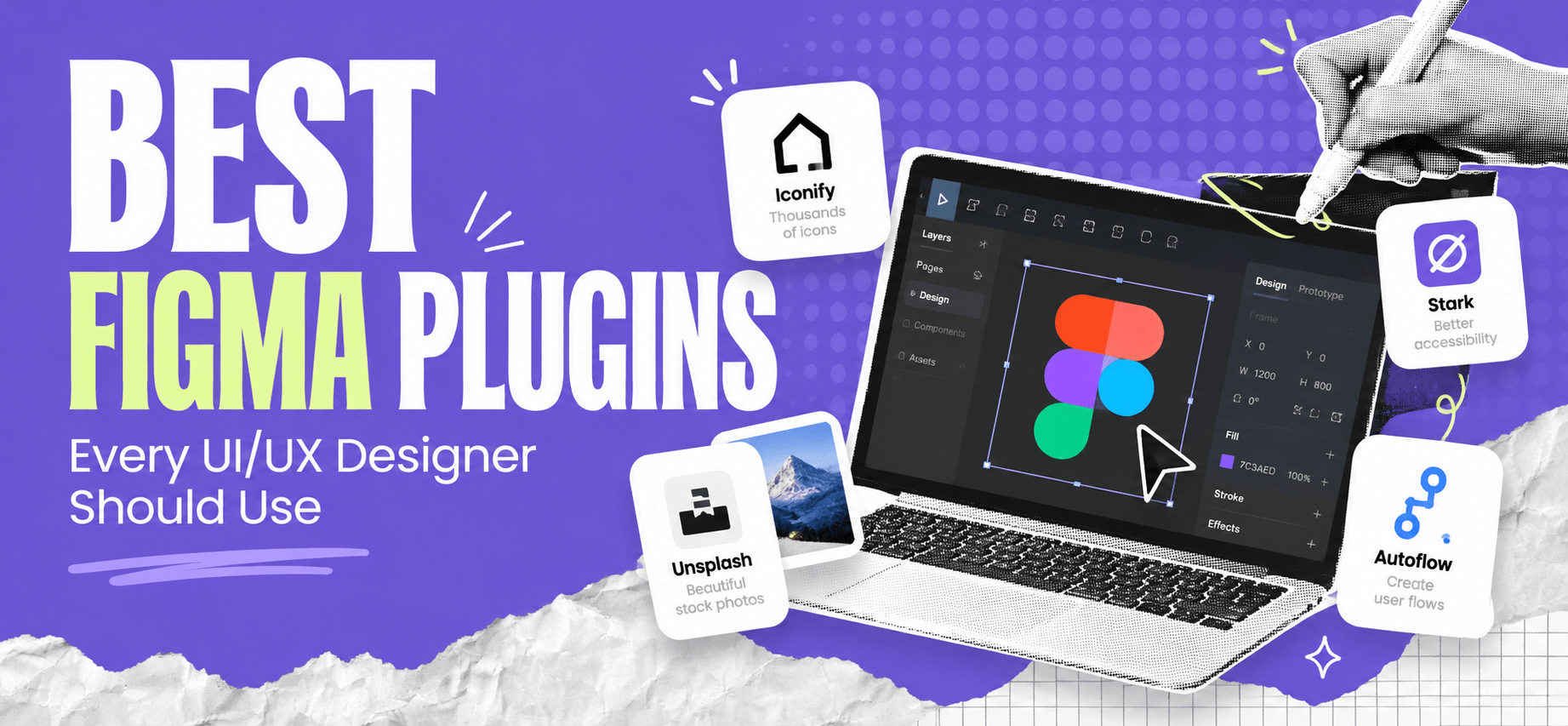
Figma makes UI/UX design easier, but the right plugins can save even more time. From generating realistic content to checking accessibility and creating icons, these tools help designers work faster and improve their designs.
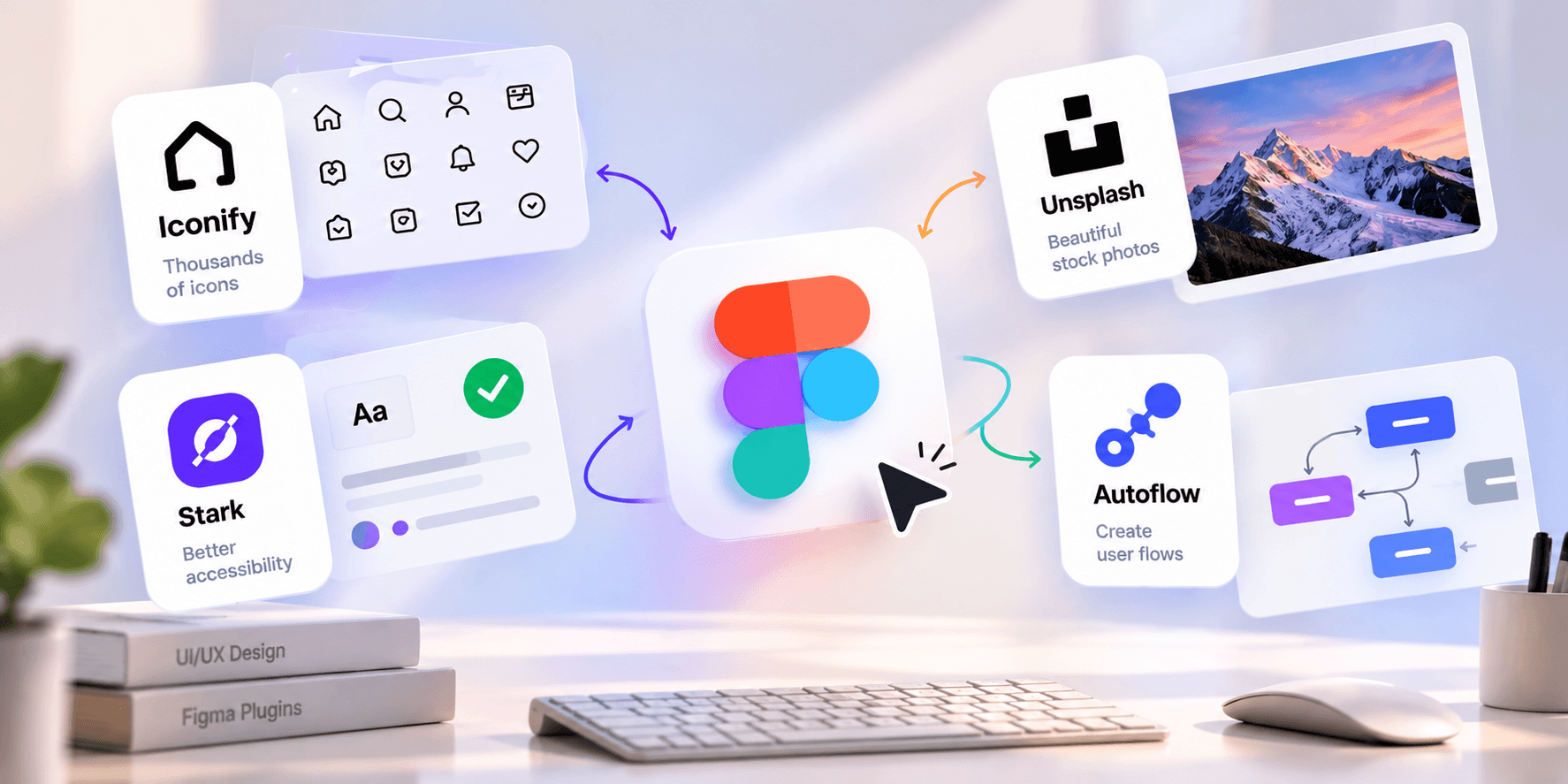
Access thousands of icons from popular libraries directly in Figma. Perfect for designing websites, mobile apps, and dashboards.
Add high-quality stock photography to your designs without leaving Figma. Great for landing pages, hero sections, and mockups.
Create connectors between frames and elements to visualize user journeys, app navigation, and product flows.
Populate your designs with realistic names, text, and other sample data instead of repetitive placeholder content.
Check color contrast and improve accessibility to create more inclusive digital experiences.
Generate placeholder text for layouts, cards, and content-heavy pages while working on early design concepts.
Remove image backgrounds quickly to prepare product photos, profile pictures, and marketing visuals.
Explore and work with animations for prototypes and interactive experiences that make interfaces feel more engaging.
Select layers with similar properties to speed up repetitive edits across large design files.
Find missing styles and inconsistencies in your designs before handing files over to developers.
The right plugins can make your design workflow faster, more consistent, and easier to manage. Start with Iconify, Autoflow, Stark, and Design Lint to improve your everyday UI/UX tasks.
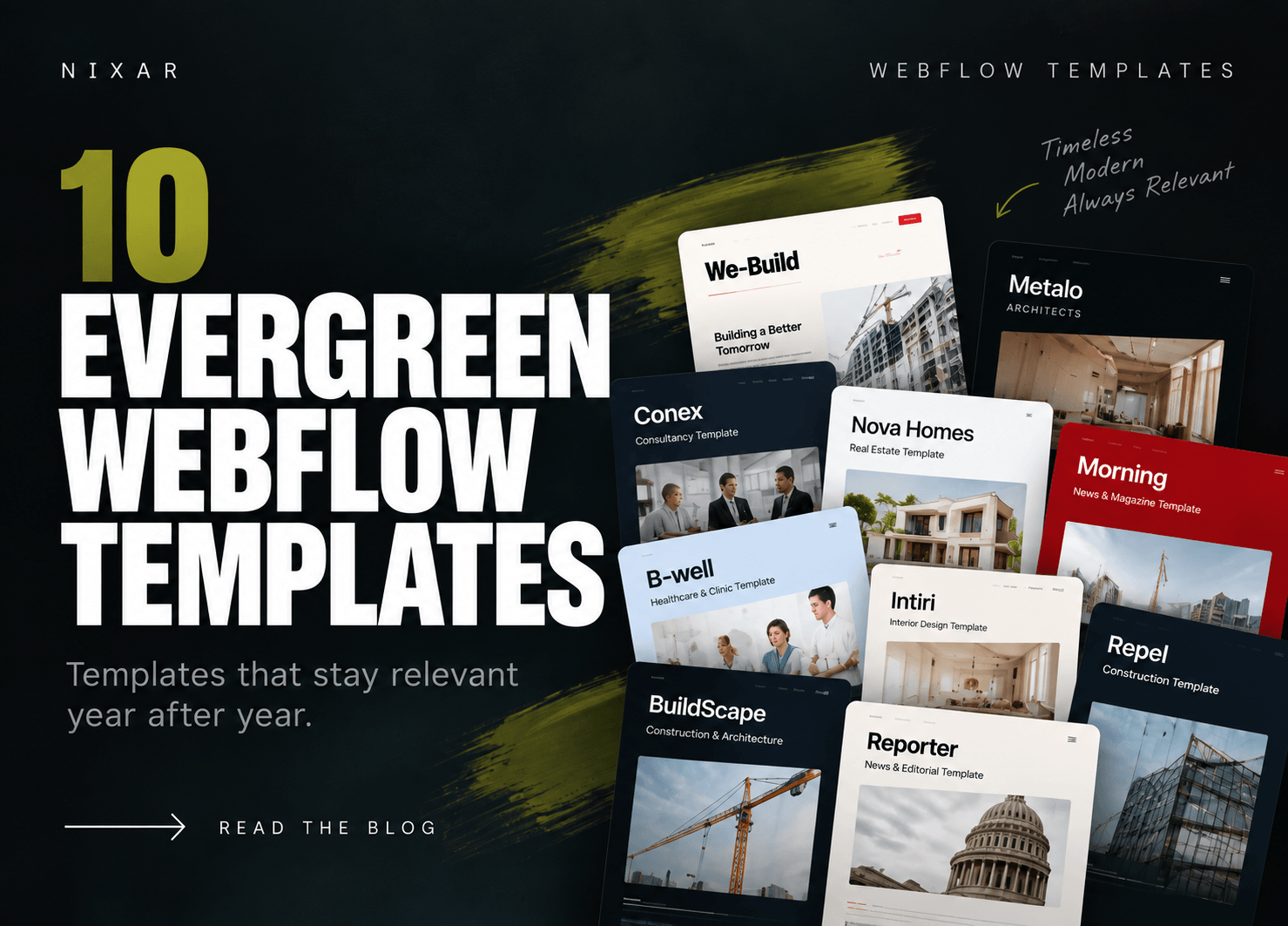
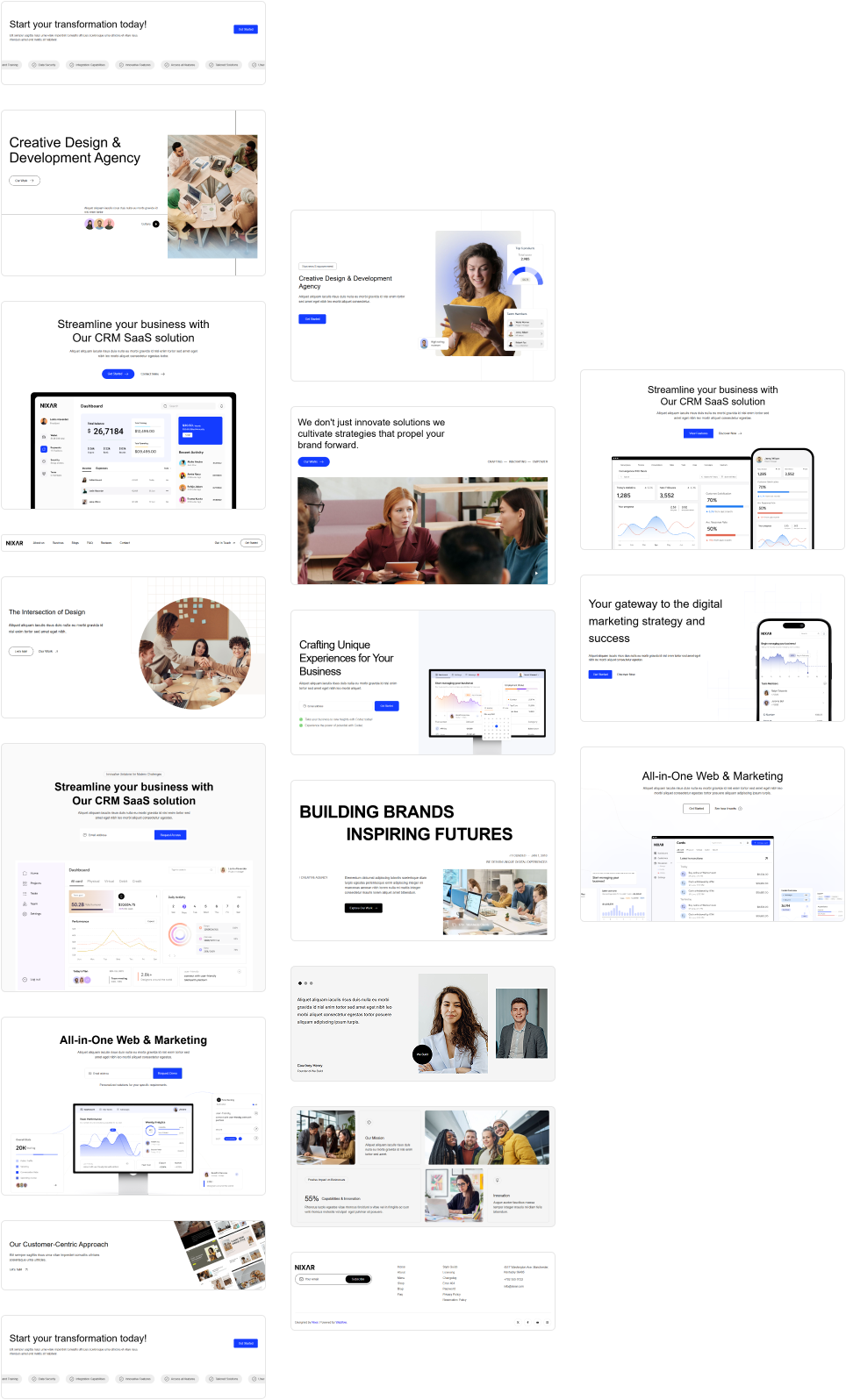
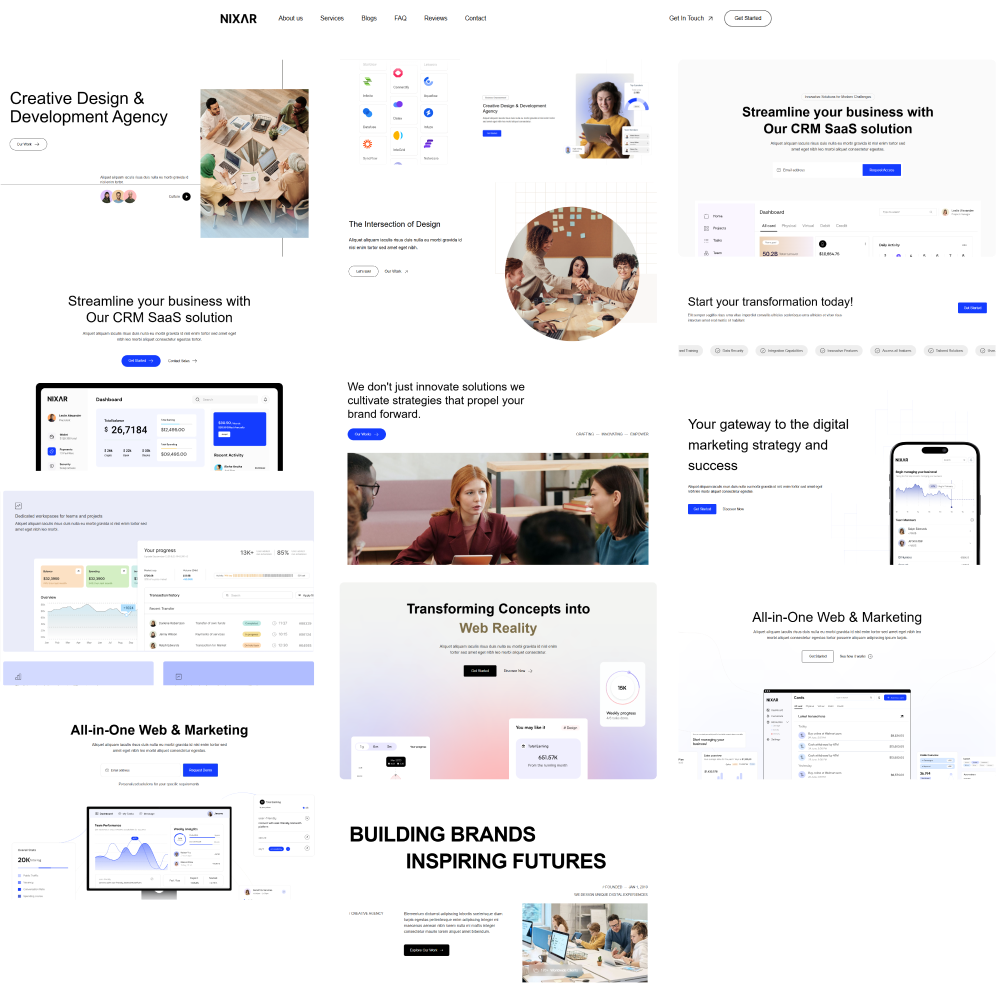
Looking for more design resources? Explore Nixar for premium website templates and UI components that help you build better digital experiences with less effort.

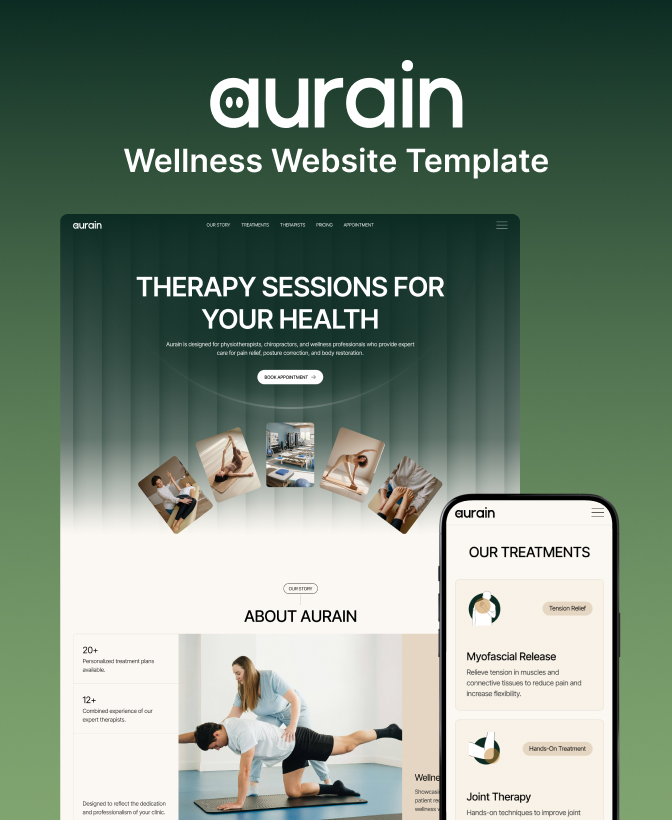
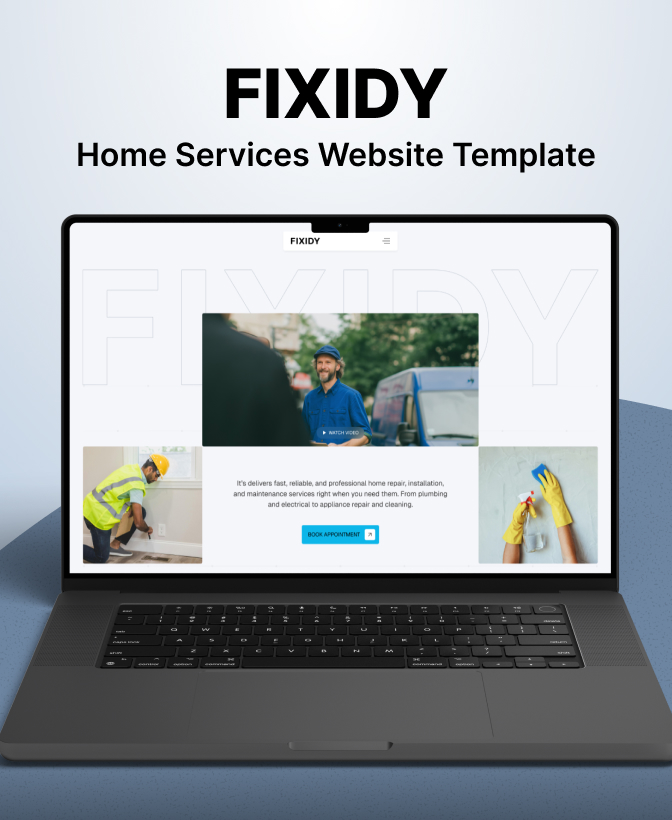
Get in touch to personalise your website with custom features and enhanced functionality.

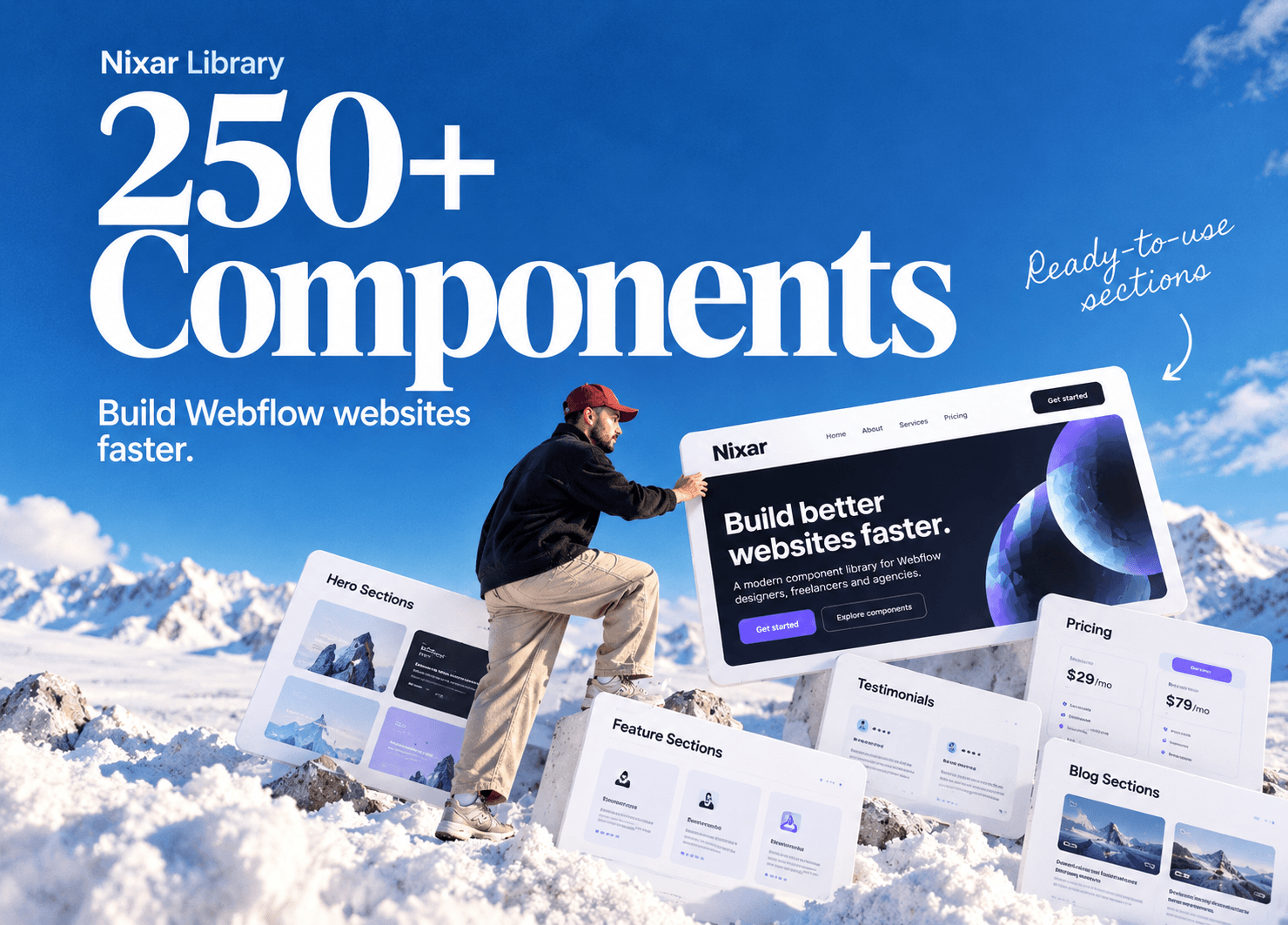
250+ components. Zero fluff. Just clean webflow elements to help you build better websites faster.