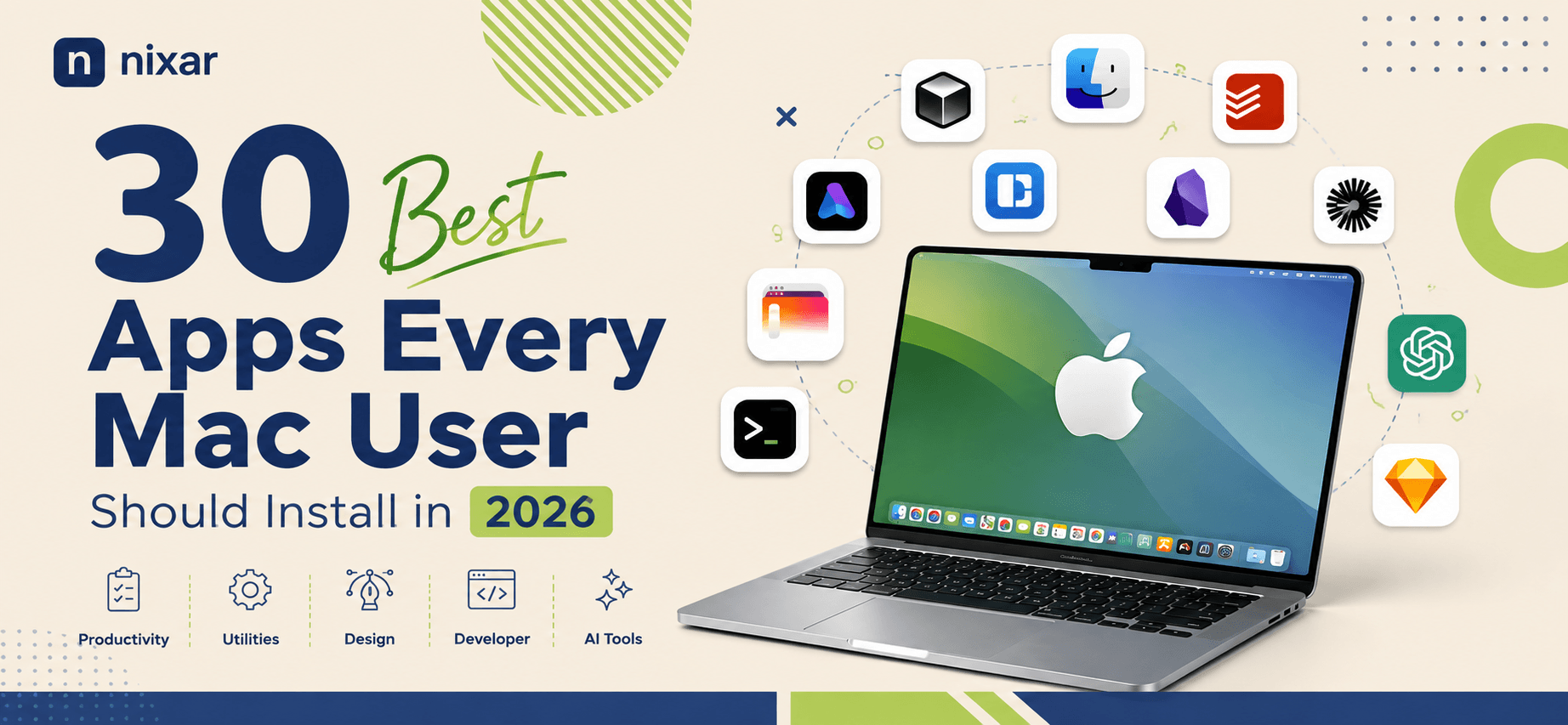
For this list, we've focused on apps that are genuinely useful in a daily Mac workflow rather than simply filling a list with popular software. Recent 2026 Mac app roundups and community discussions consistently highlight tools such as Raycast, Rectangle, Maccy, CleanShot X, Obsidian, and Ice as useful additions to a Mac setup.
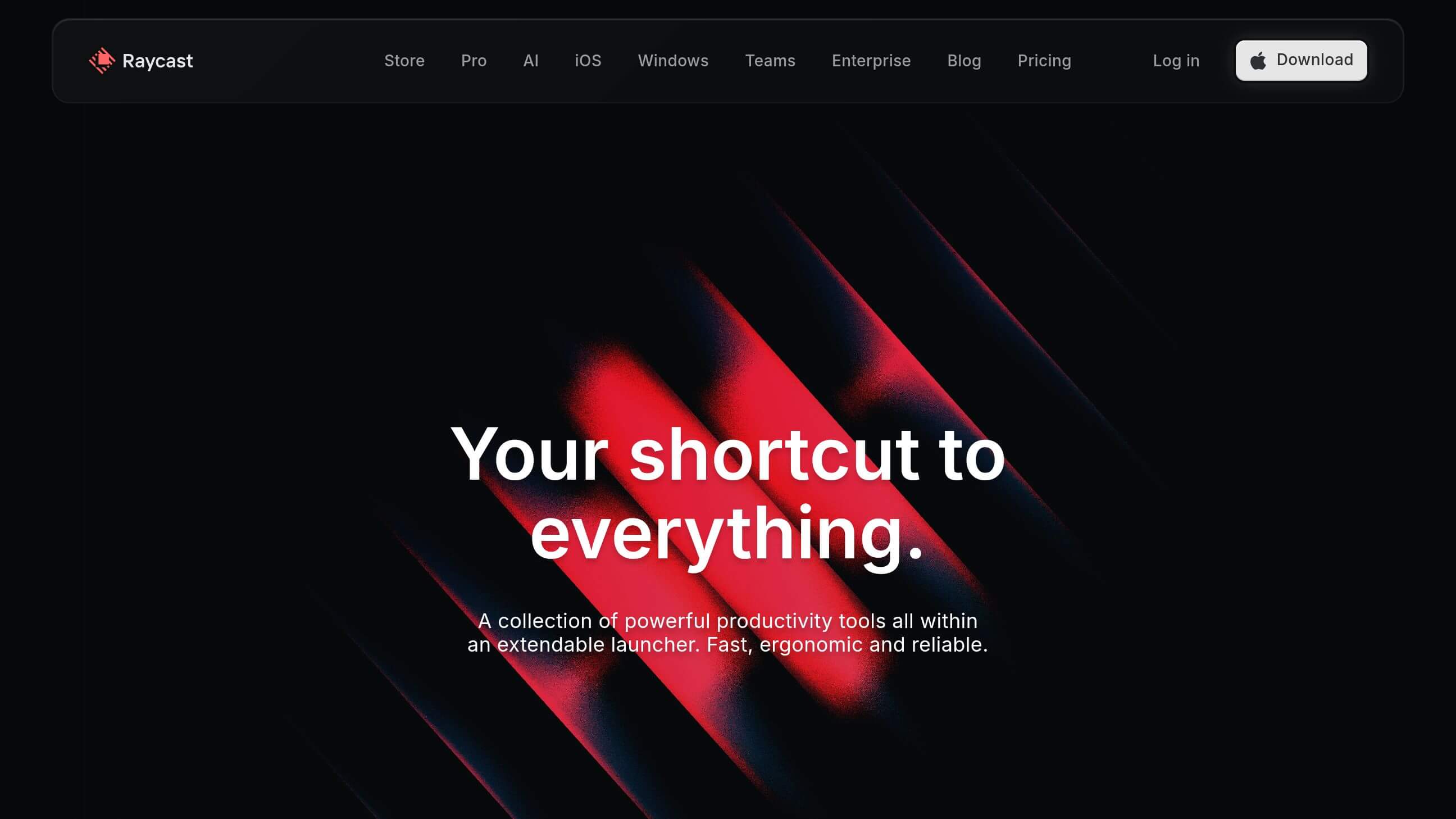
A powerful Spotlight replacement that lets you launch apps, search files, run commands, manage windows, access extensions, and use AI features from one keyboard shortcut.
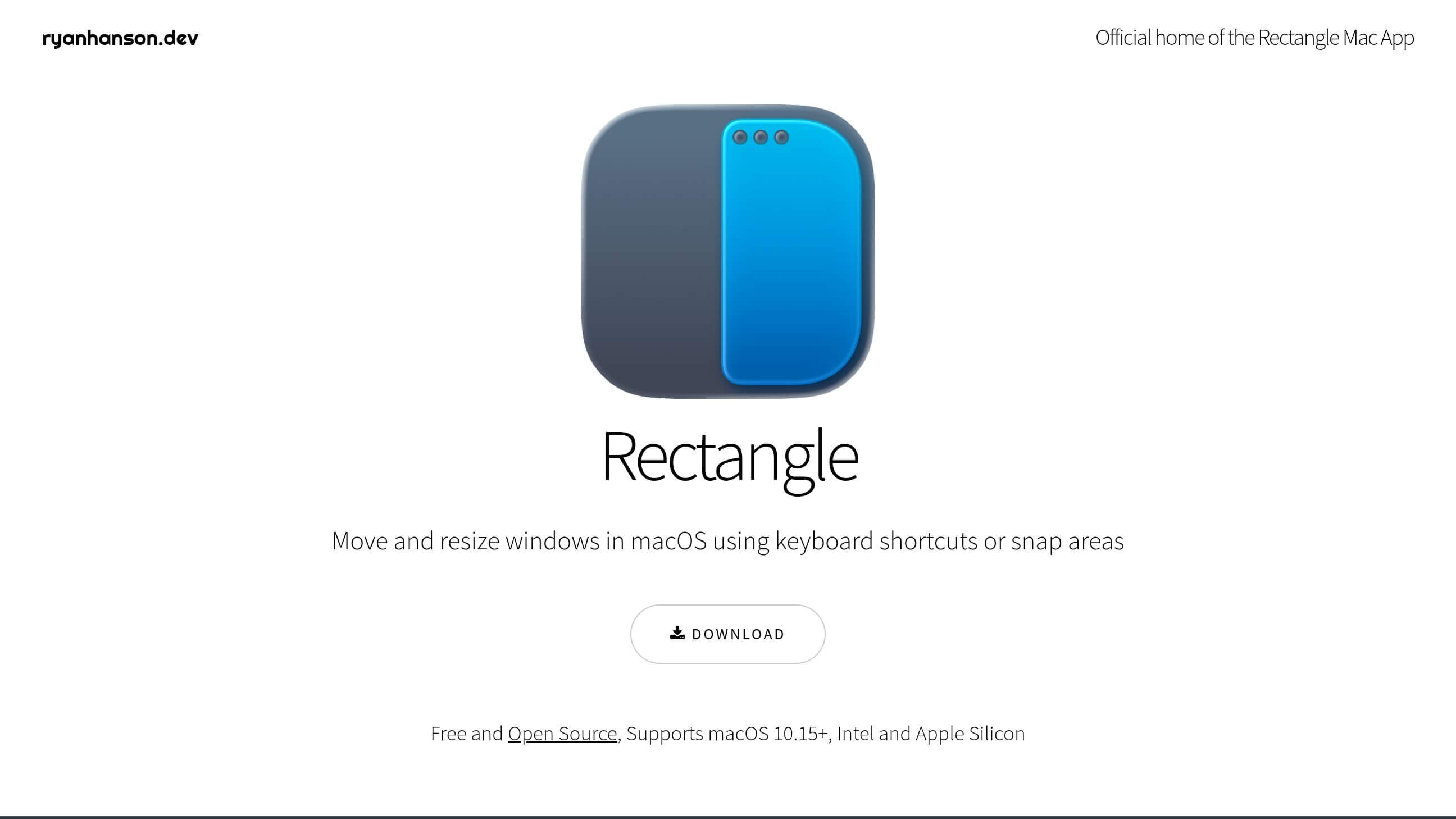
A simple and excellent window-management tool. Snap windows to halves, quarters, corners, and different areas of your screen using keyboard shortcuts.
A lightweight, open-source clipboard manager that keeps your copy history searchable. It's especially useful if you constantly copy text, links, code, or images.
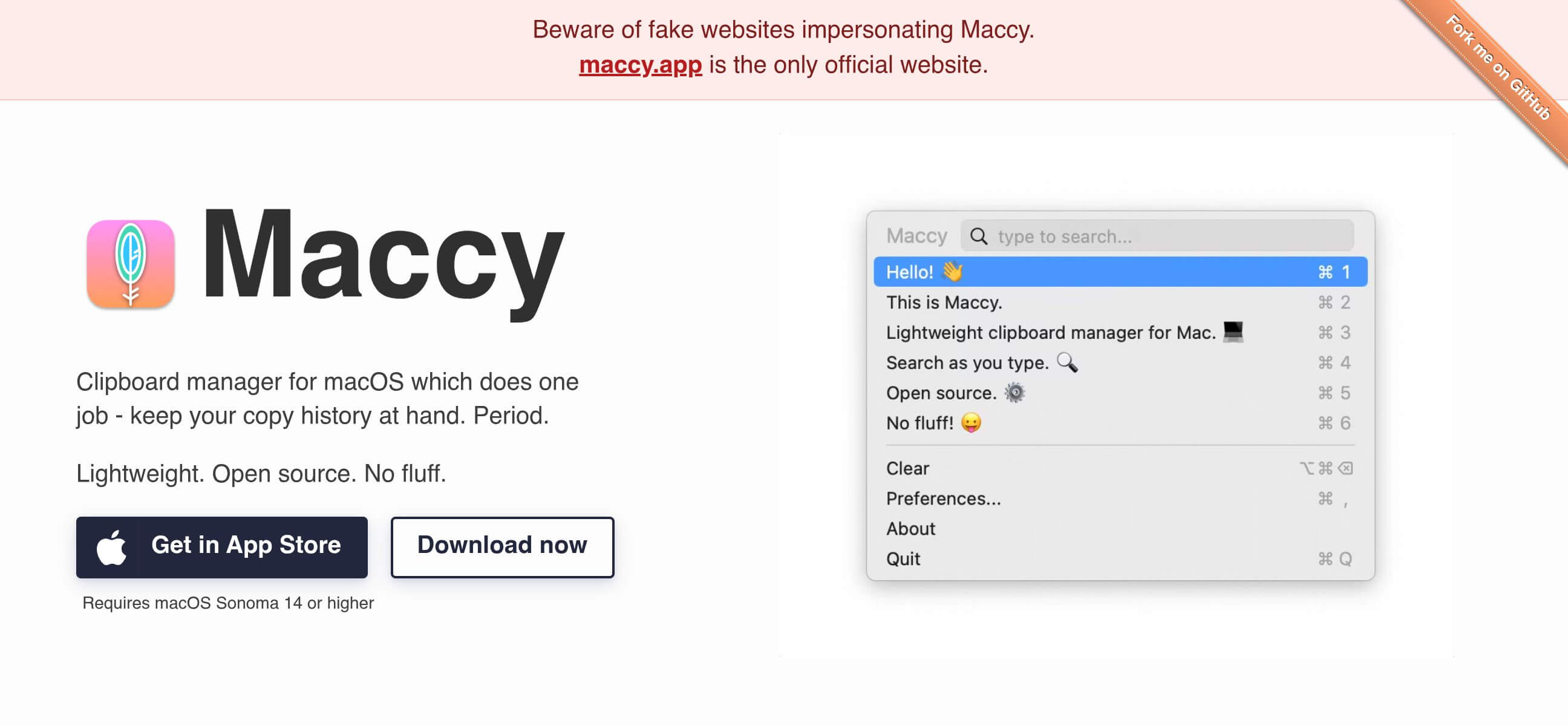
One of the best screenshot and screen-recording tools for Mac. Capture scrolling pages, annotate screenshots, record your screen, and quickly share your work.
A password manager for securely storing passwords, passkeys, credit cards, secure notes, and other sensitive information.

A powerful Markdown-based note-taking app for building a personal knowledge base, connecting ideas, and organizing long-term information.
An all-in-one workspace for notes, documents, databases, project management, wikis, and team collaboration.
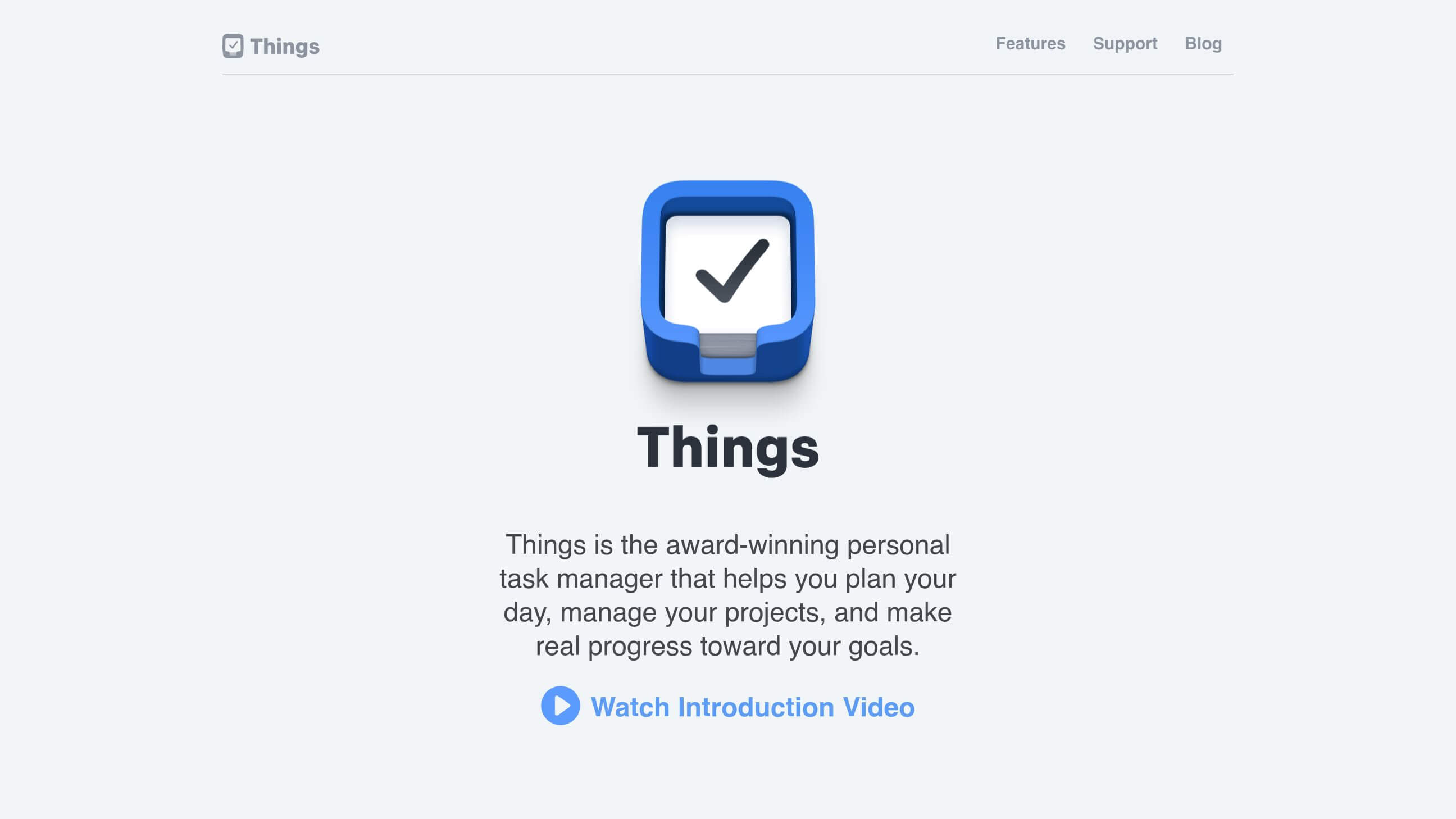
A beautifully designed task manager for organizing personal tasks, projects, reminders, and daily plans.
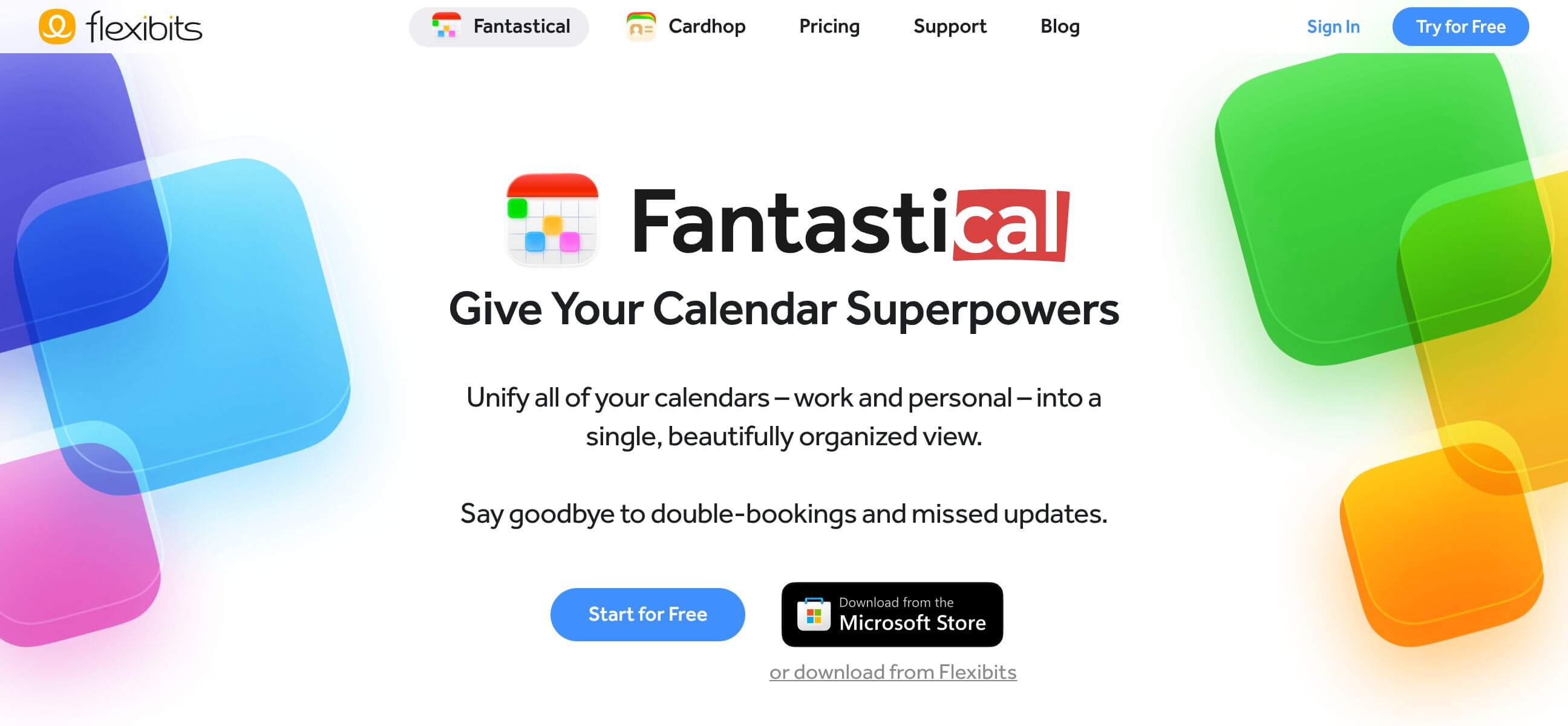
A feature-rich calendar and scheduling app that combines calendars, reminders, meetings, and event management in one interface.
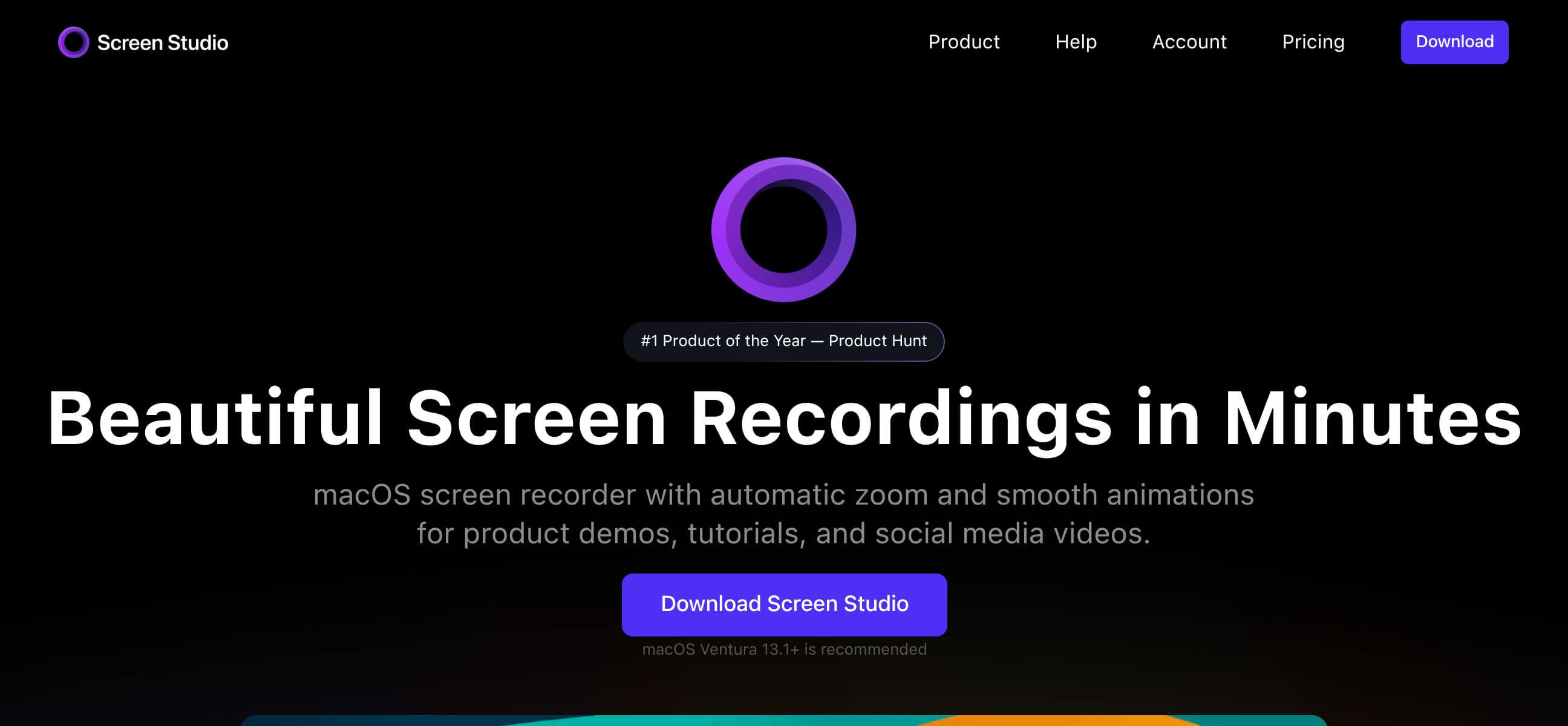
A professional screen recorder designed specifically for creating polished product demos, tutorials, presentations, and social media videos. It is available exclusively for macOS.
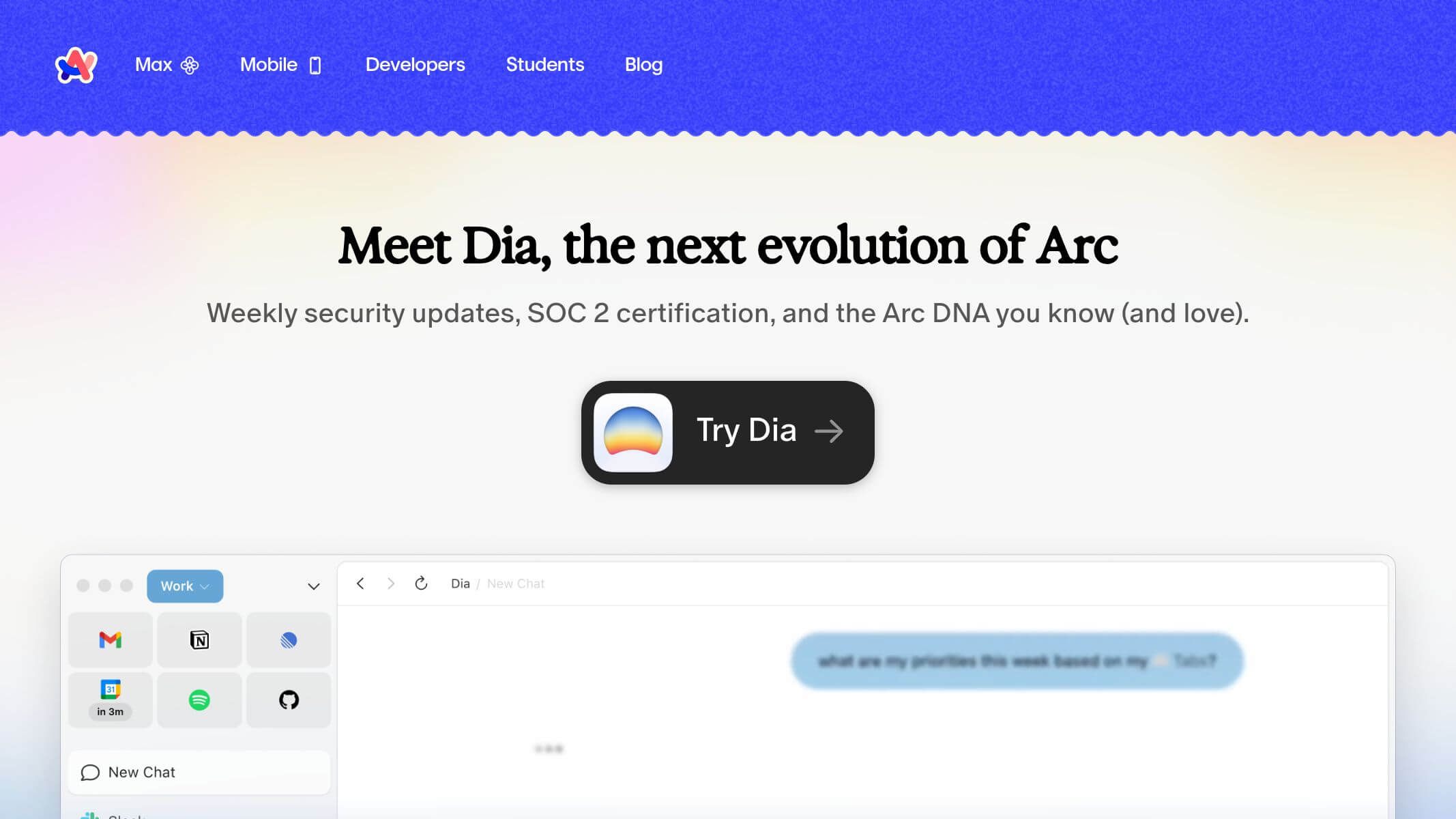
A modern browser built around a more organized approach to tabs, spaces, and browsing.
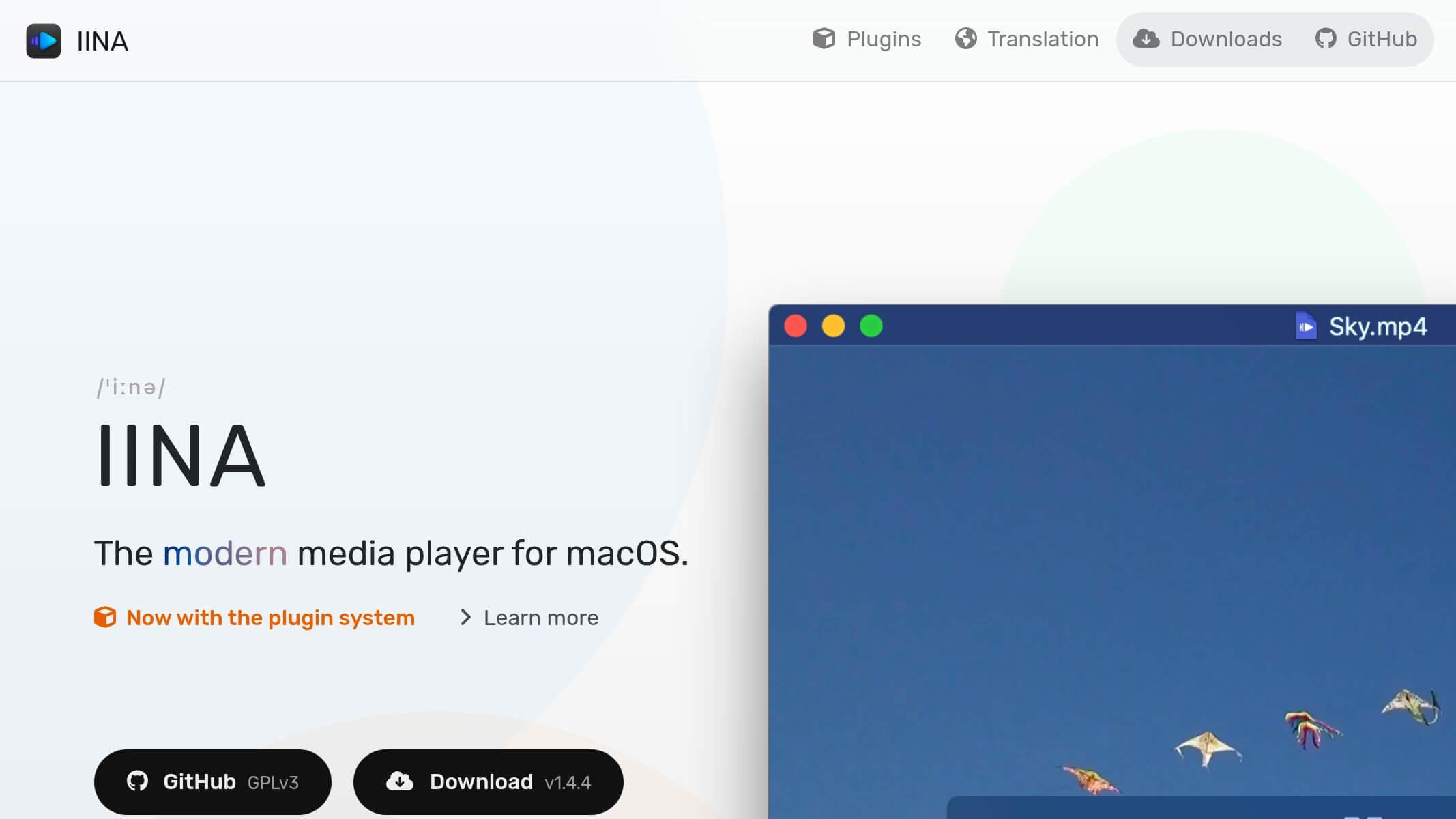
A modern, free and open-source media player designed specifically for macOS. It supports a wide range of video formats, Picture-in-Picture, subtitles, gestures, and more.
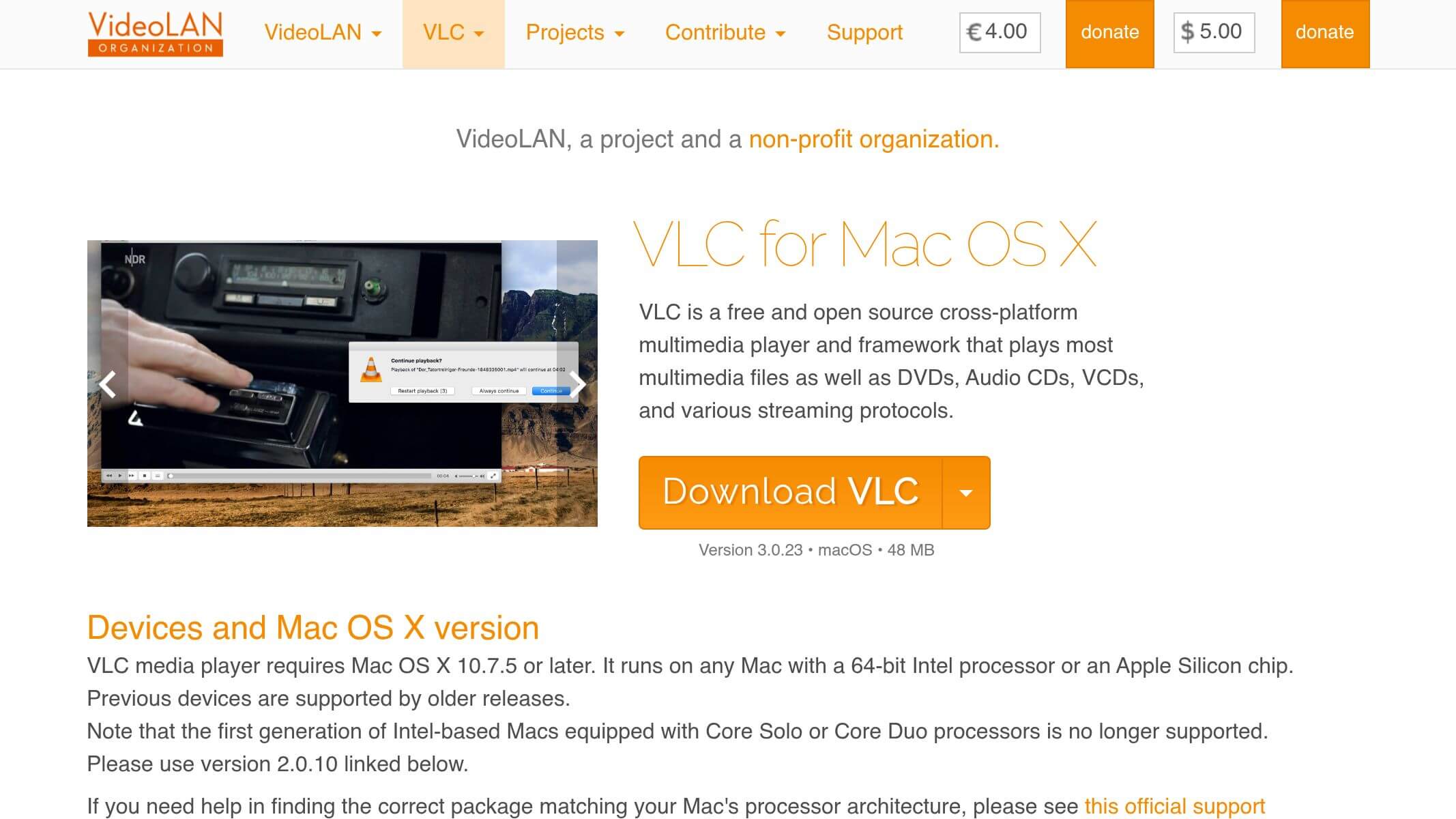
A versatile media player capable of playing almost any common video or audio format without requiring additional codecs.
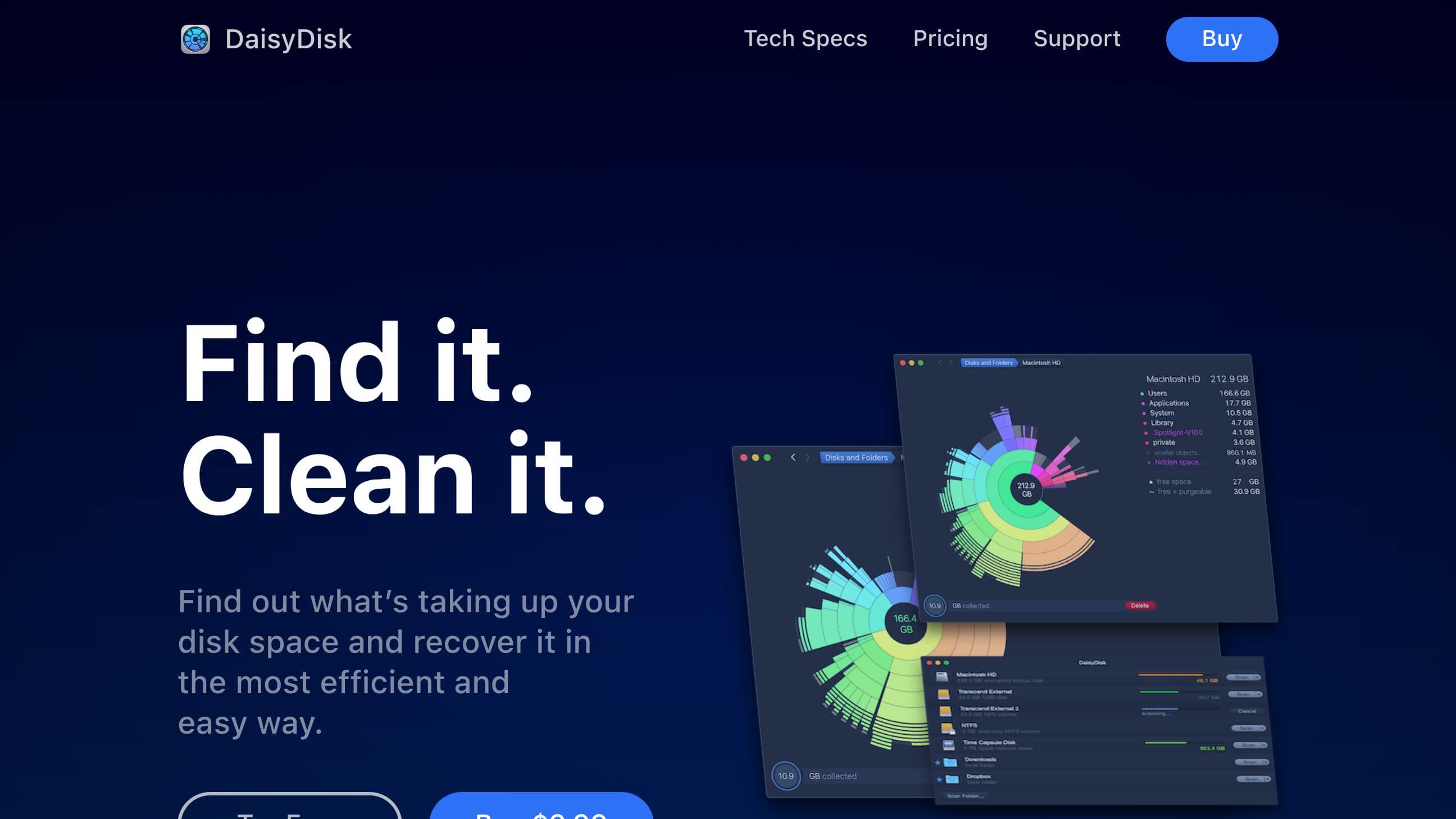
A visual disk-space analyzer that helps you quickly discover what is consuming storage on your Mac.
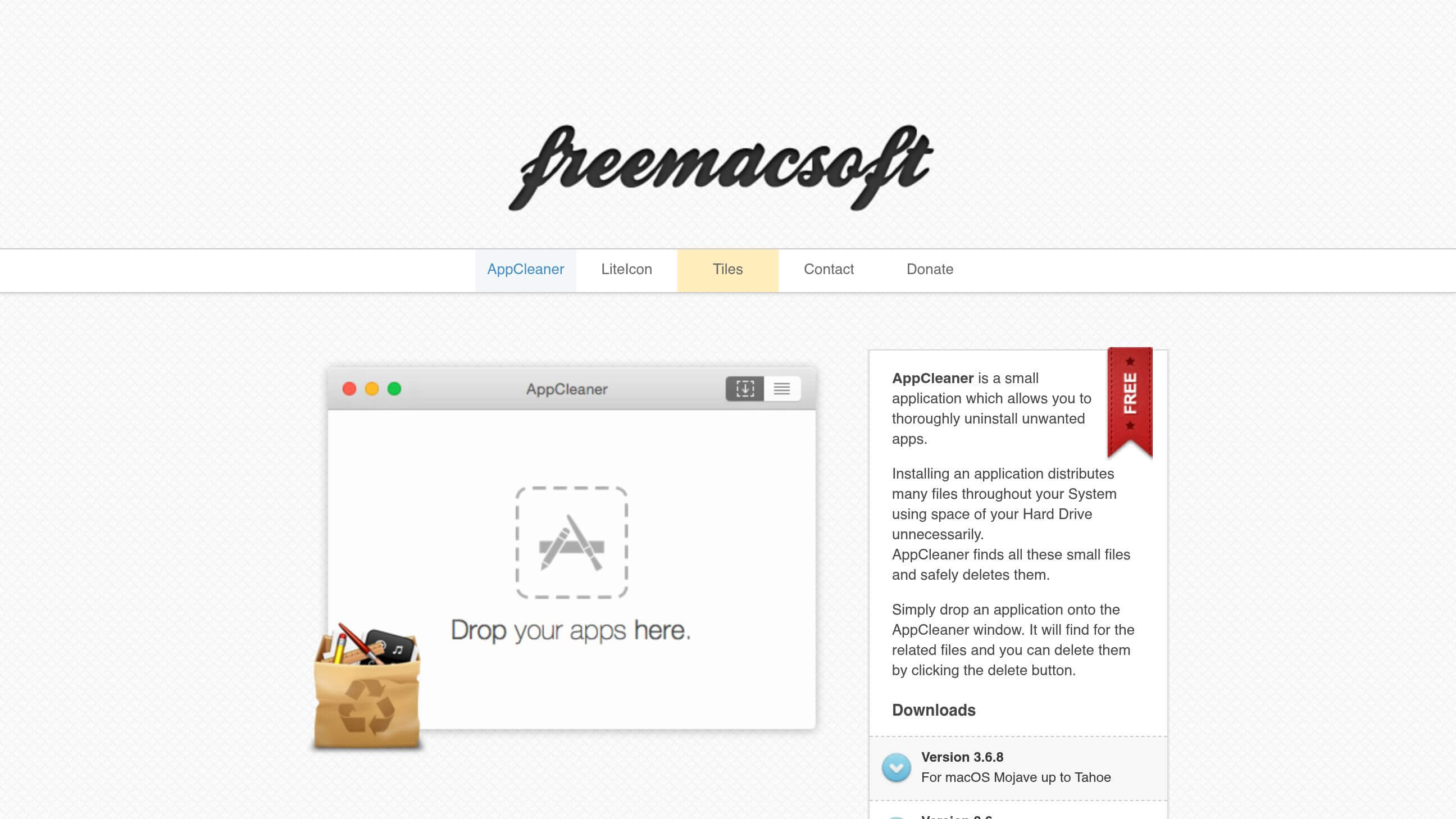
A lightweight utility for completely removing unwanted Mac applications and their associated files.
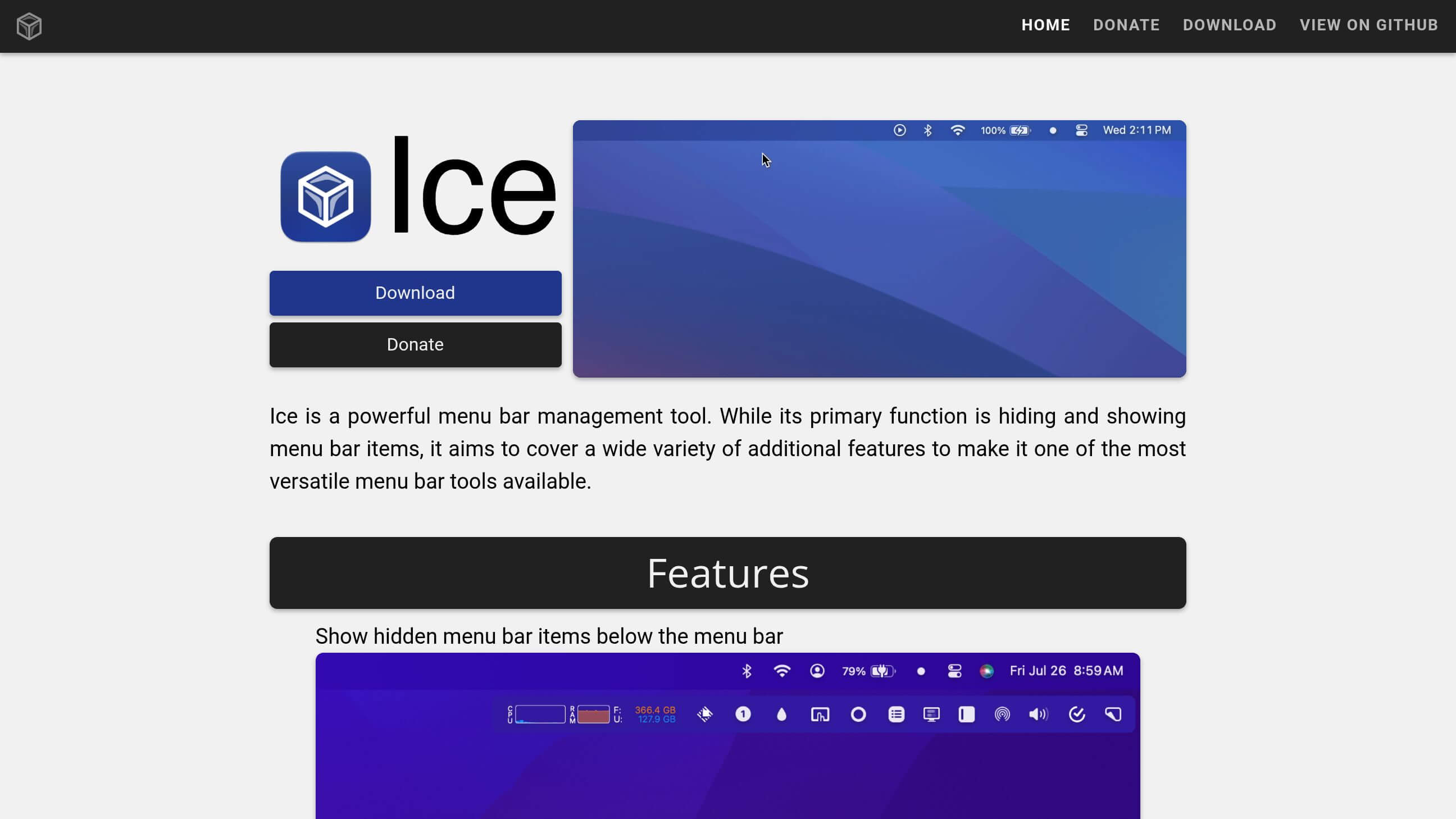
A free menu-bar management tool that helps hide, organize, and customize your Mac's menu-bar icons.
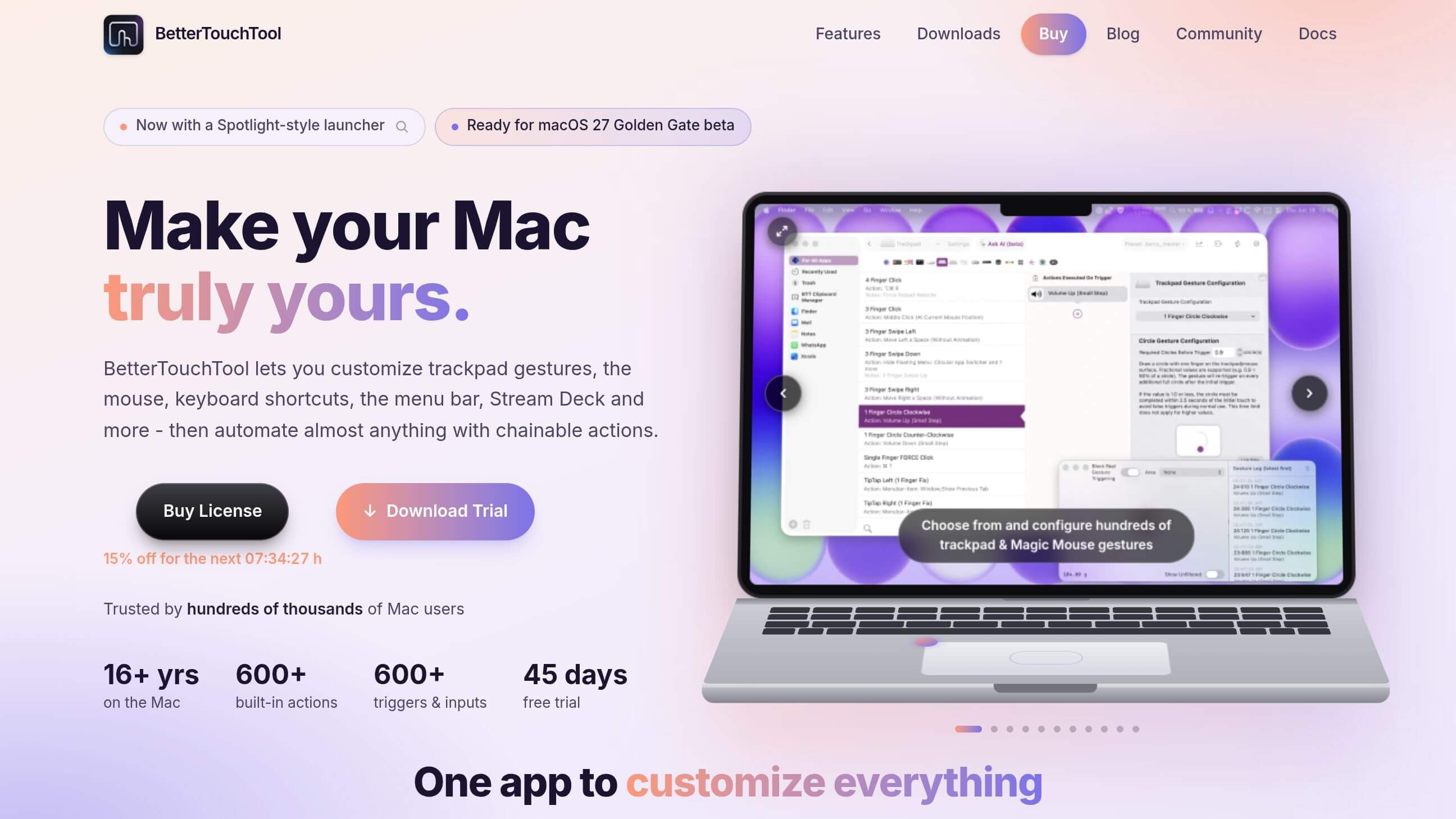
A powerful customization tool for creating custom trackpad gestures, keyboard shortcuts, mouse actions, window controls, and automation workflows. It remains one of the highly recommended Mac customization utilities in 2026.
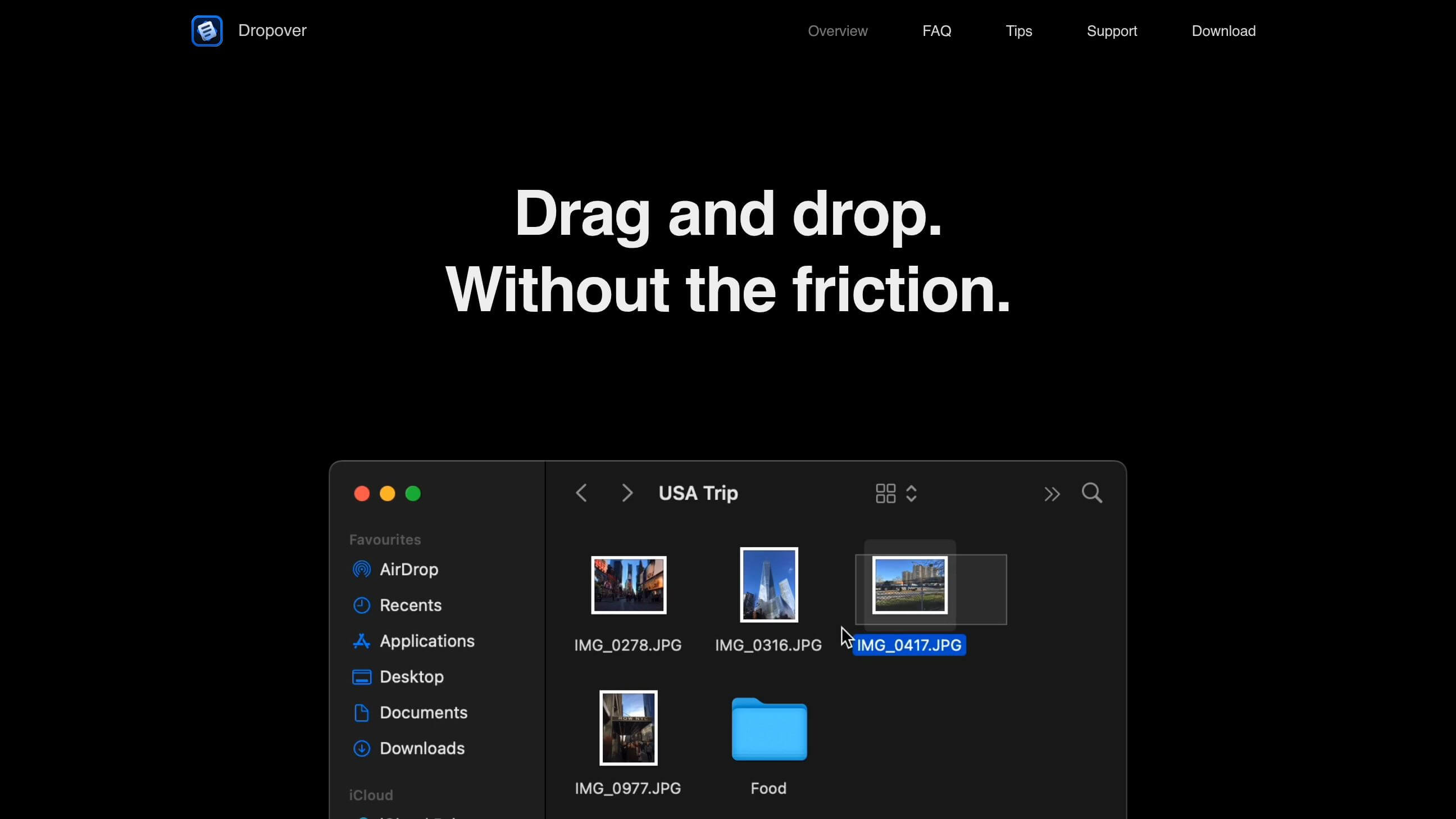
Creates a temporary shelf where you can collect files, images, text, and other items while moving them between folders or applications.
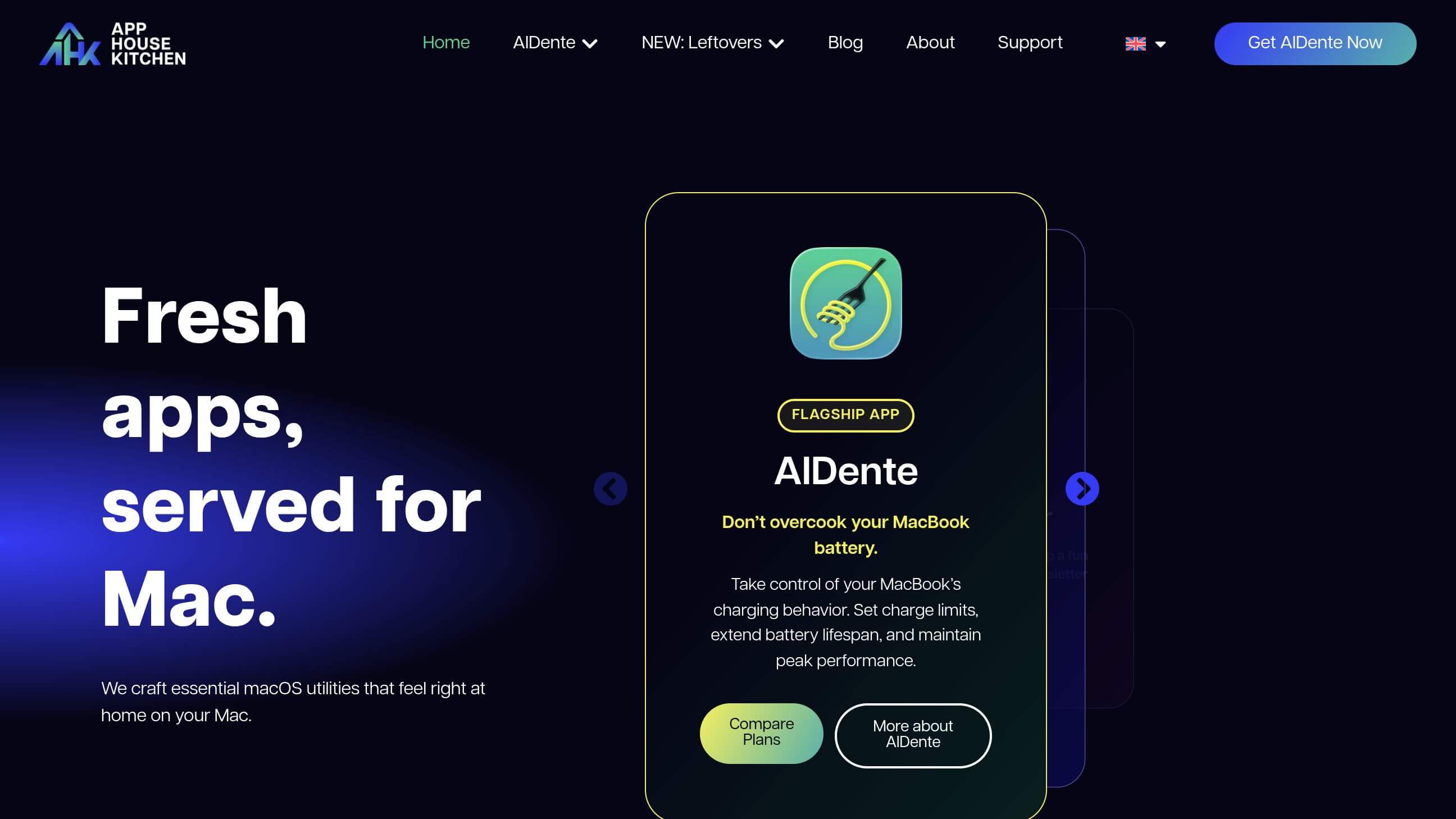
A battery-management utility that gives MacBook users more control over charging behavior and battery limits.
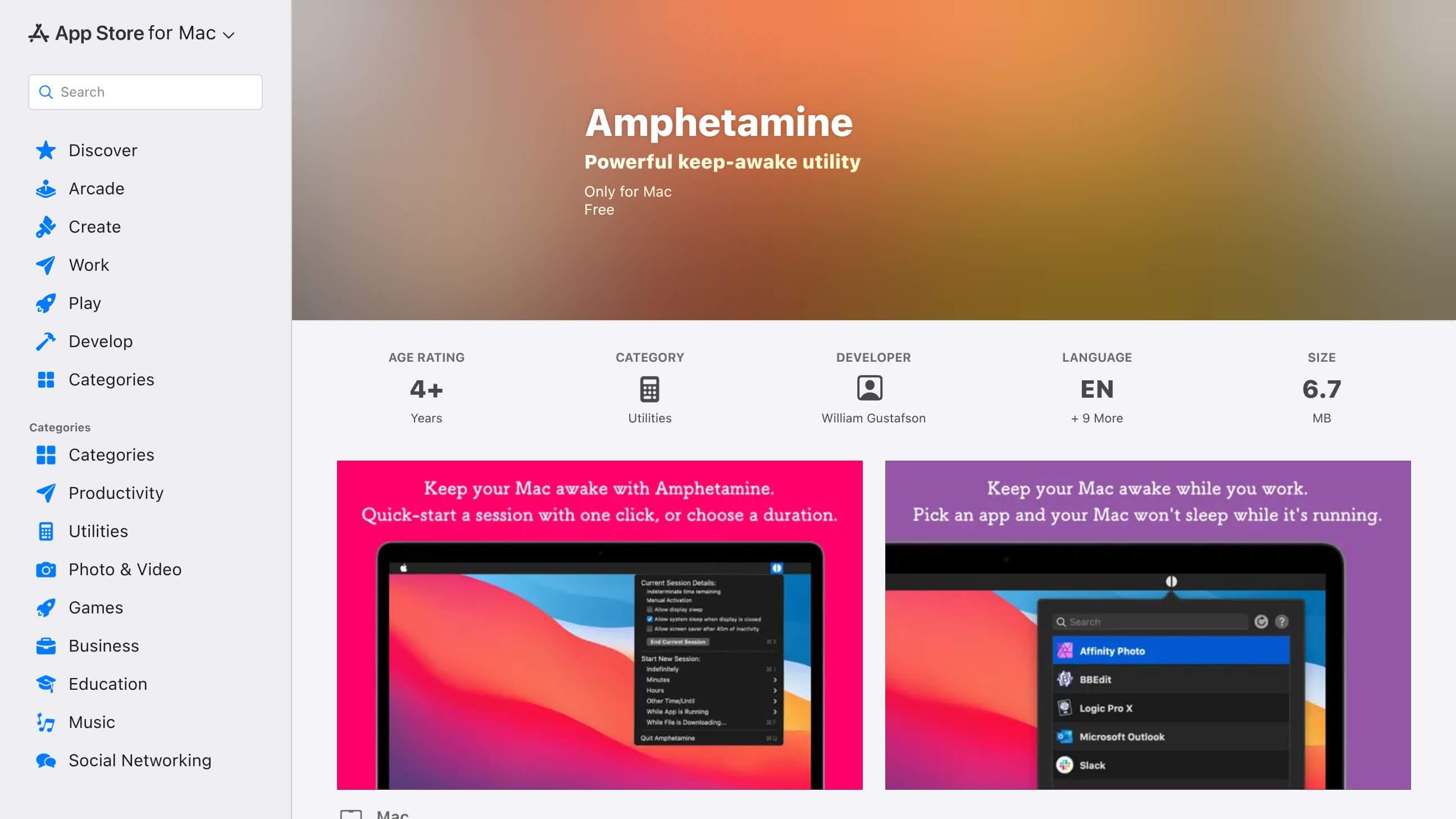
A free utility that can prevent your Mac from sleeping when you need a download, presentation, rendering process, or other long-running task to continue.
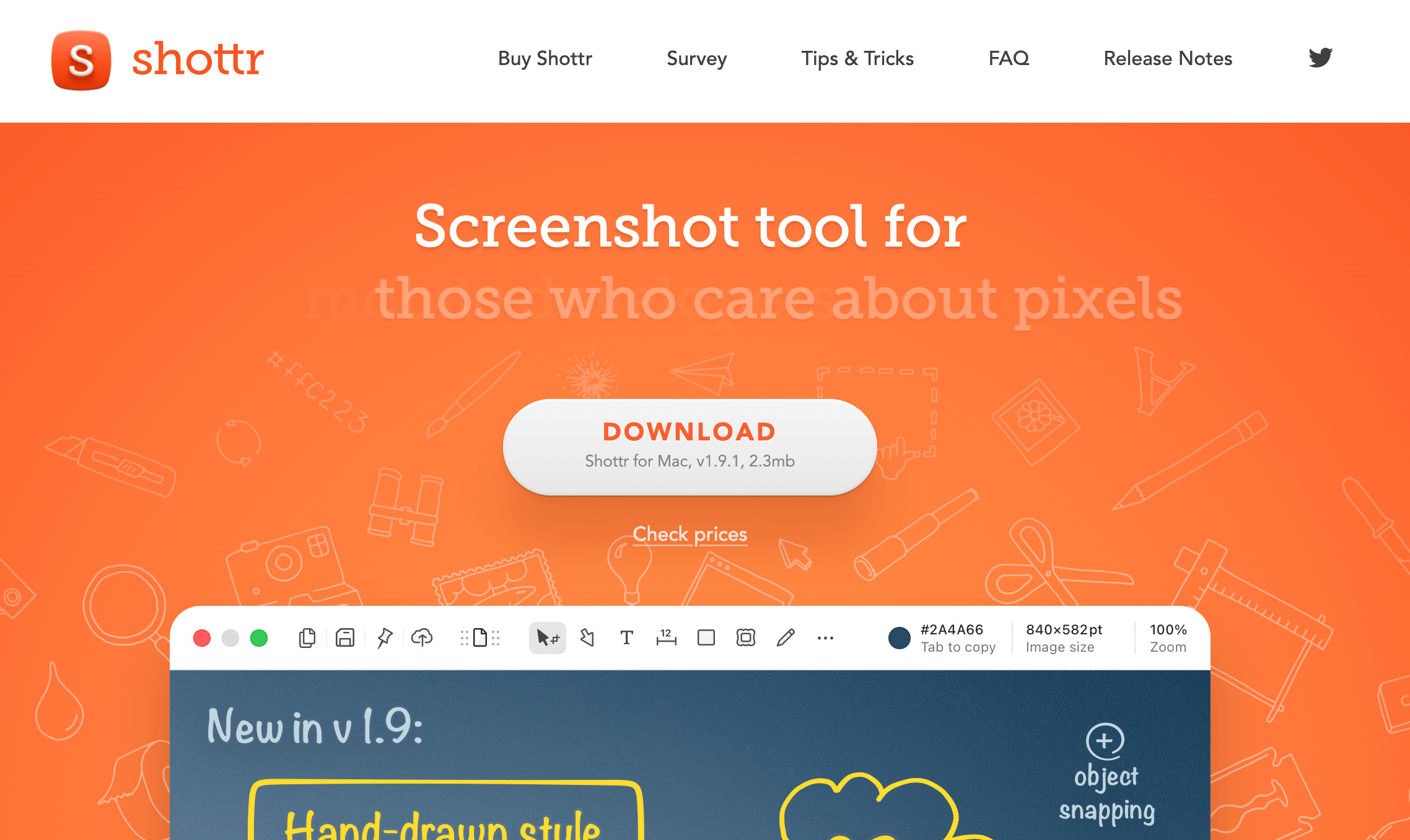
A fast screenshot utility with annotation, scrolling capture, OCR, and measurement tools.
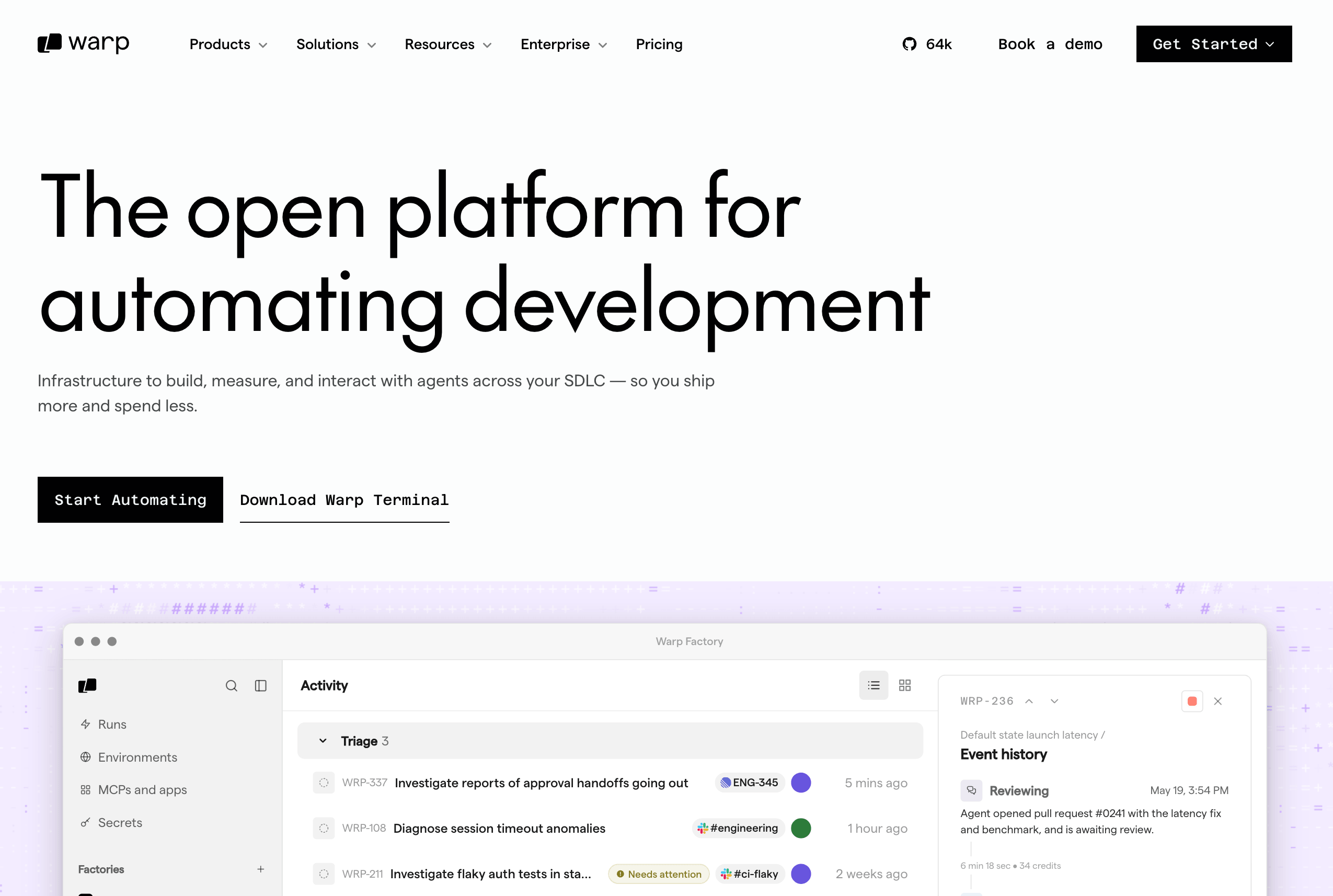
A modern terminal designed for developers, with AI features that can help generate commands, explain errors, debug problems, and automate workflows.
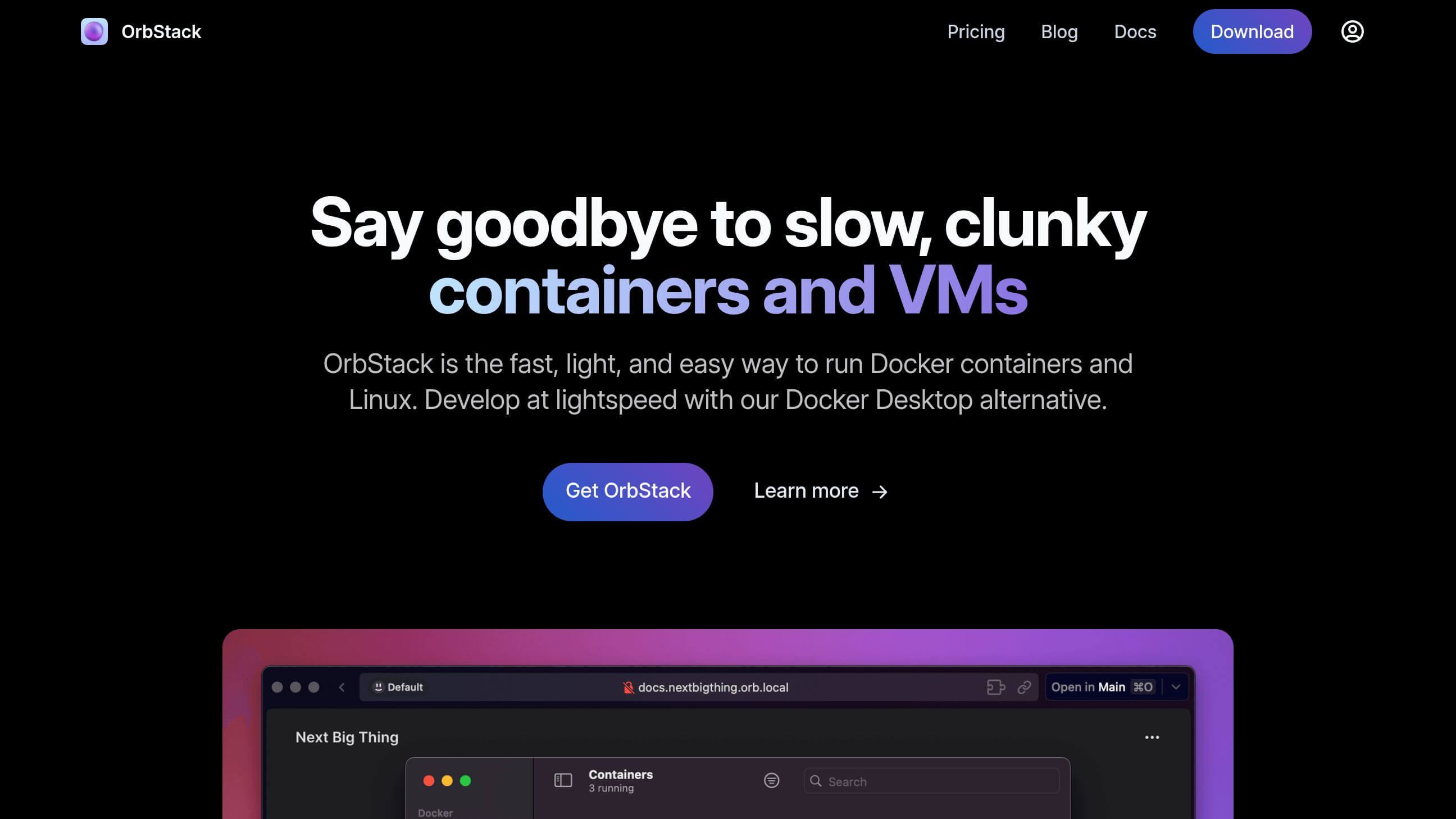
A fast and lightweight way to run Docker containers and Linux environments on your Mac, particularly useful for developers.
A flexible code editor with extensions for practically every major programming language, framework, and development workflow.
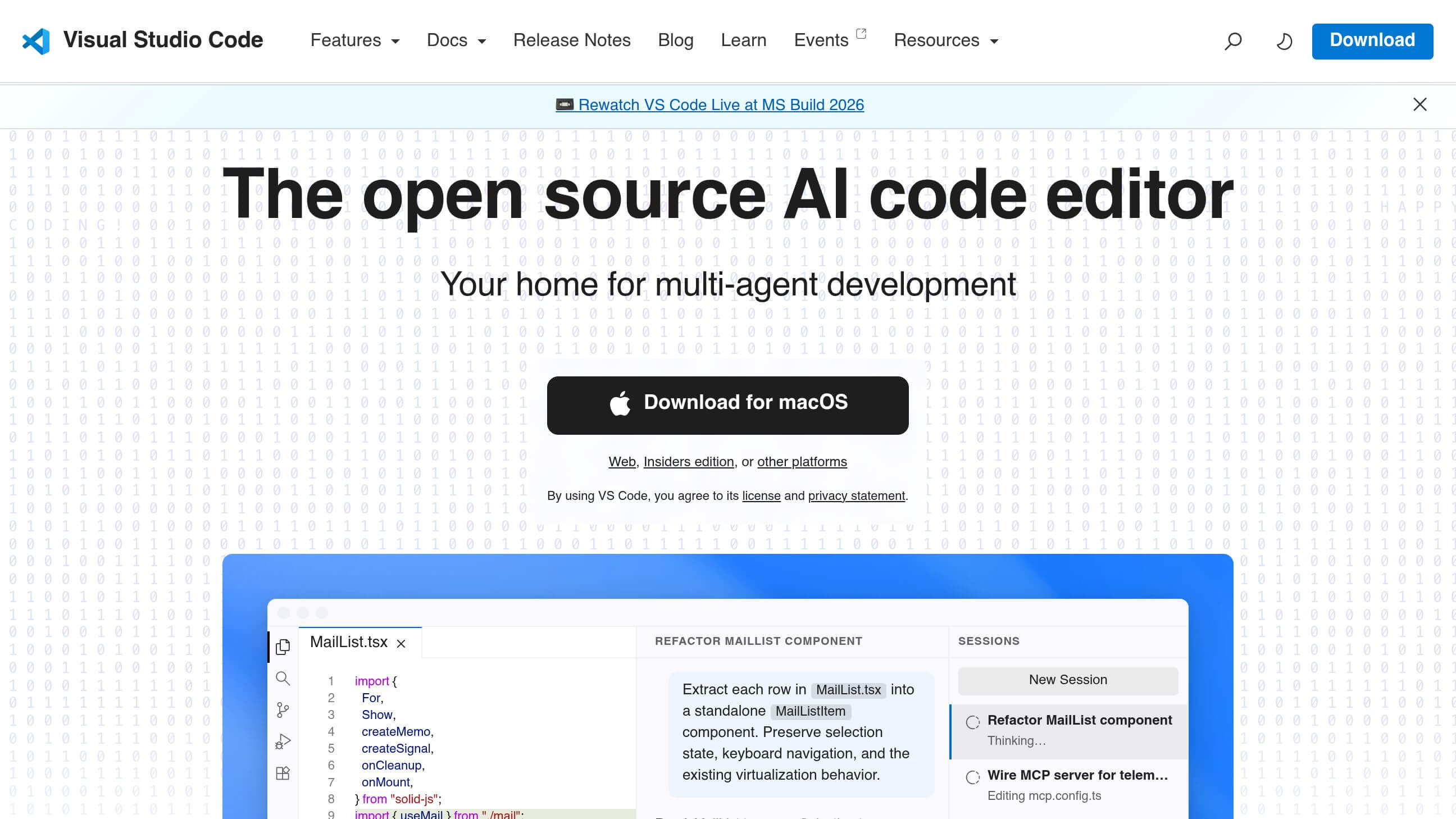
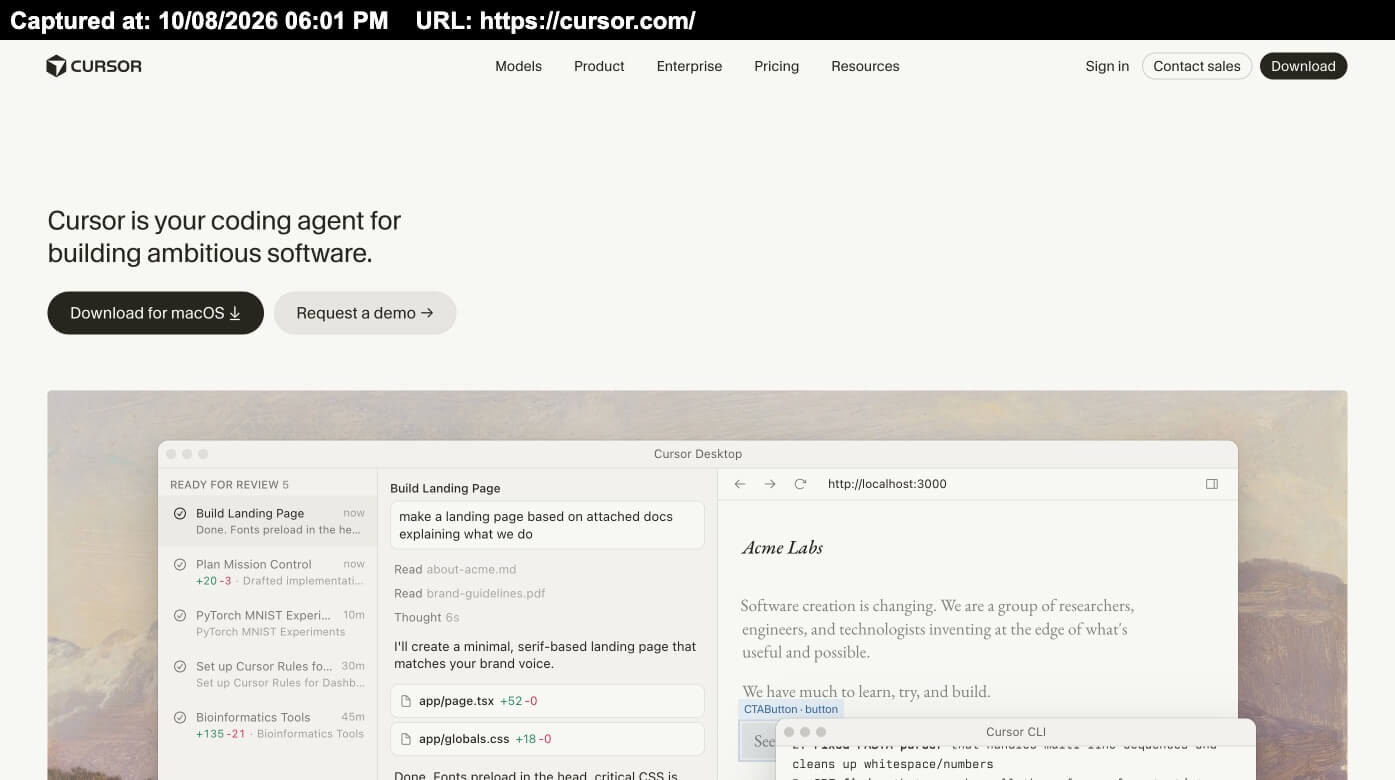
An AI-powered code editor built around AI-assisted programming, code generation, debugging, and working with larger projects.
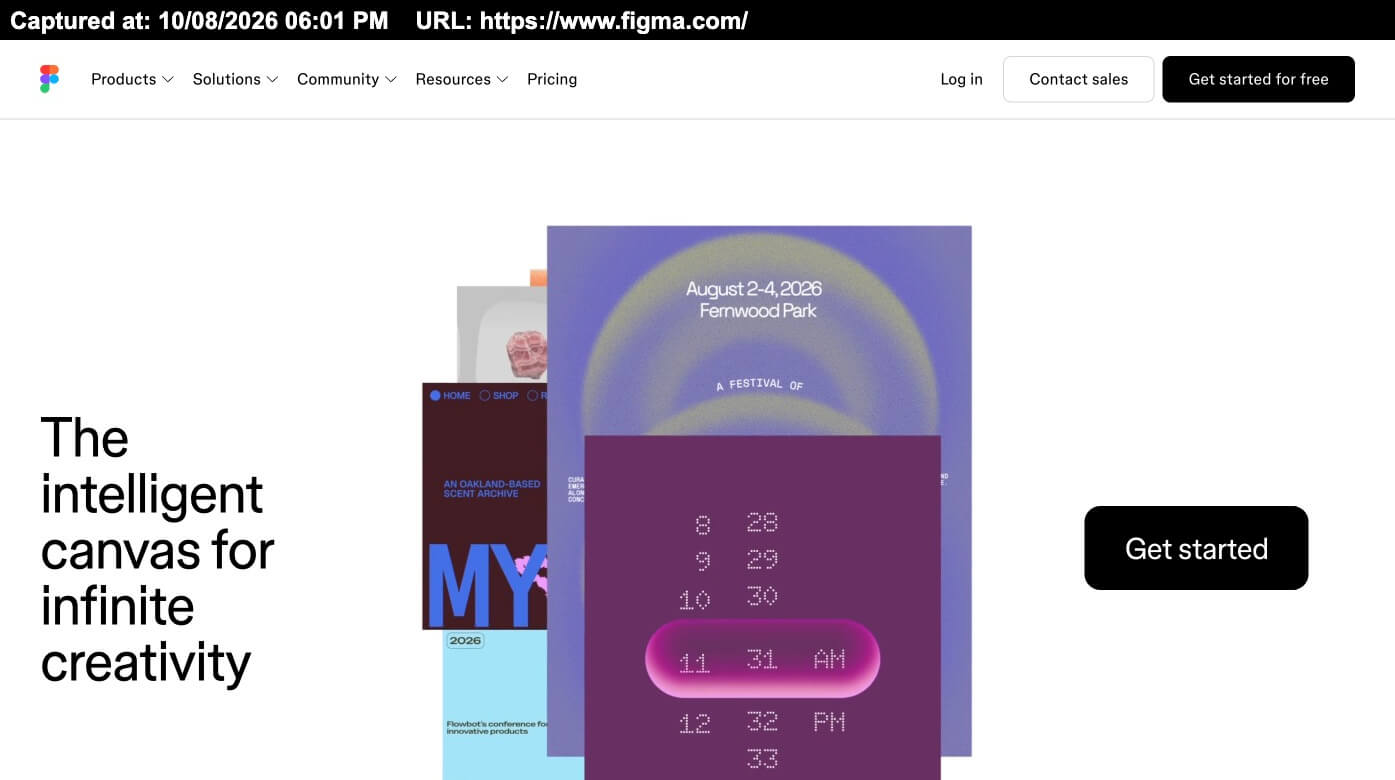
A browser-based design platform with a Mac desktop app for UI design, prototyping, design systems, and collaborative product design.
A versatile AI assistant for brainstorming, writing, coding, research, image generation, analysis, and everyday productivity.
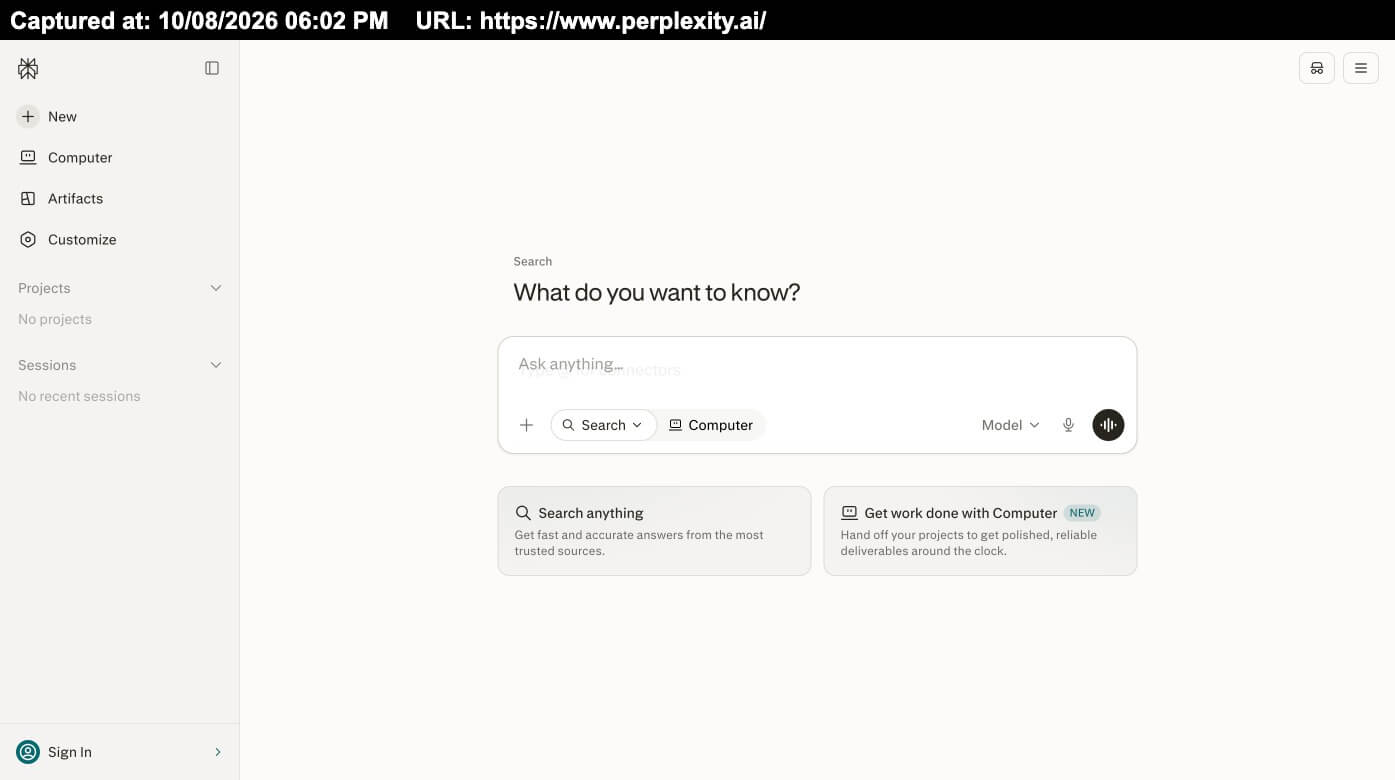
An AI-powered search and research tool designed to provide direct answers with sources, making it useful for researching products, technology, and new topics.
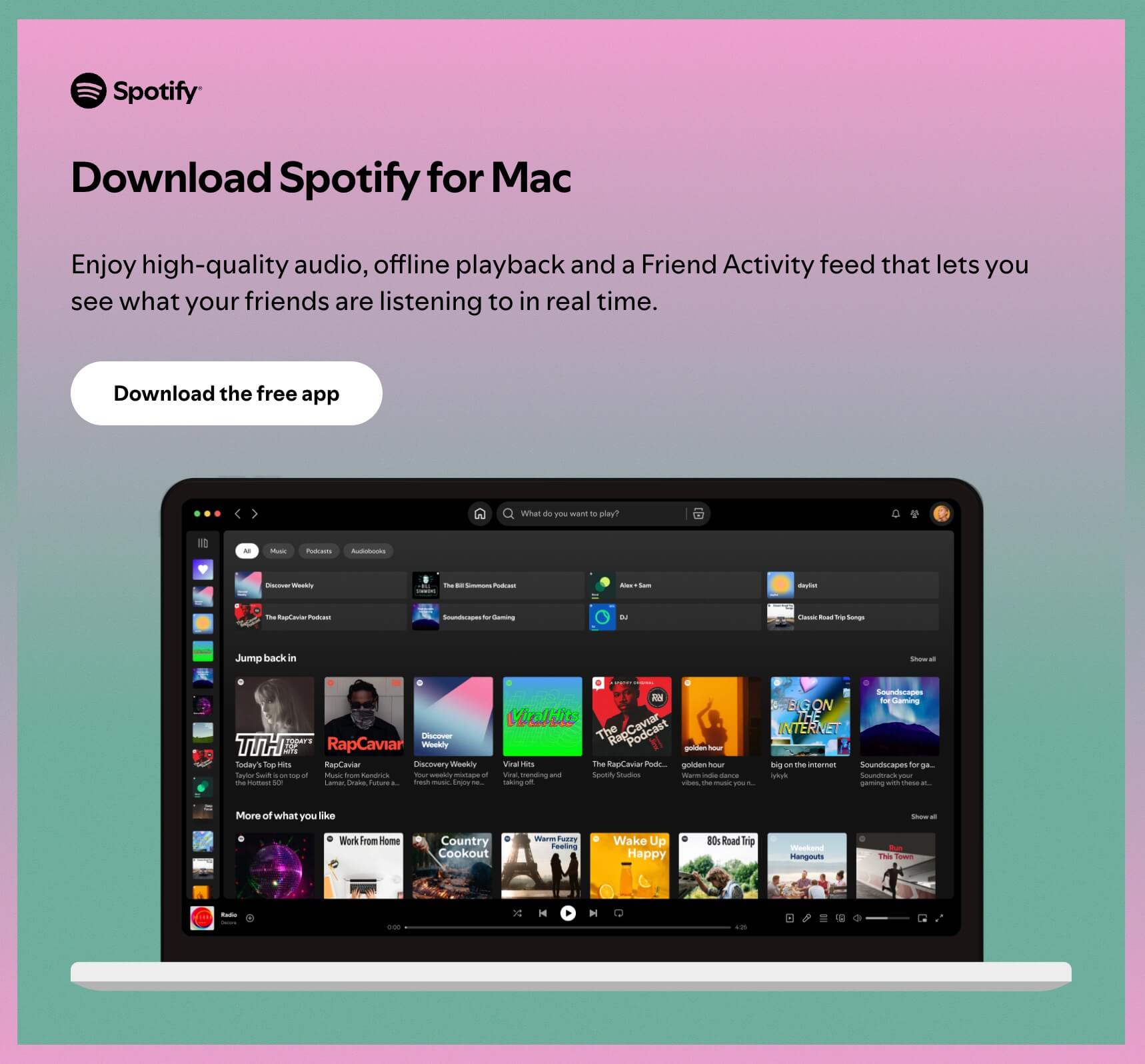
A popular music and podcast app that gives your Mac a dedicated desktop experience for listening while you work.
An open-source password manager that lets you securely store and manage passwords, passkeys, and other sensitive information across devices.

You don't need all 30 apps to have a great Mac setup. The best approach is to install the tools that solve problems you actually have.
For almost every Mac user, I'd start with:
Raycast + Rectangle + Maccy + CleanShot X + 1Password
For designers, add:
Figma + Screen Studio + BetterTouchTool + Dropover
For developers, add:
Cursor + Warp + OrbStack + Visual Studio Code
And for AI-focused workflows:
ChatGPT + Perplexity + Cursor
The goal isn't to collect more apps. It's to make your Mac faster, cleaner, and better suited to the way you actually work. Recent Mac productivity guides make a similar point: a small set of tools that remove everyday friction is generally more useful than installing dozens of utilities you rarely open.

Get in touch to personalise your website with custom features and enhanced functionality.

250+ components. Zero fluff. Just clean webflow elements to help you build better websites faster.