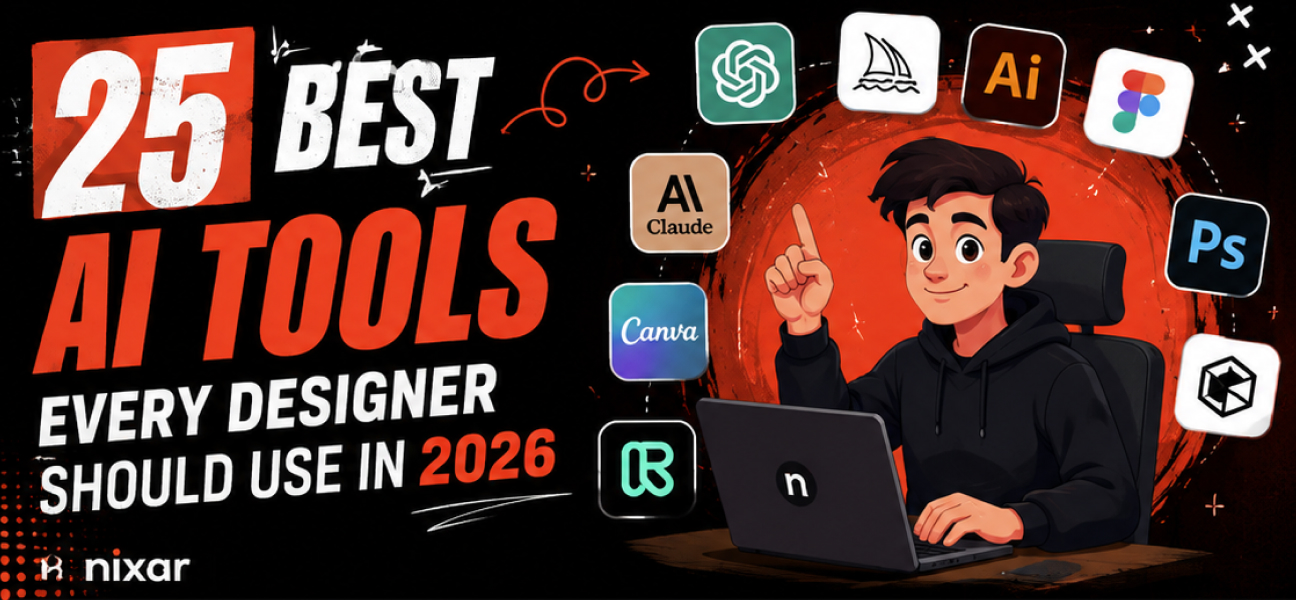
Here are 25 of the best AI tools every designer should consider using in 2026. 👇
Best for: Brainstorming, copywriting, UX writing, coding, and creative ideas.
ChatGPT helps designers generate content, write UI copy, create user personas, improve design critiques, generate HTML/CSS, and automate repetitive tasks. It's one of the most versatile AI tools available.
Website: https://chatgpt.com
Best for: Long-form writing, design documentation, UX research, and content analysis.
Claude excels at understanding long documents, organizing information, and helping designers create wireframe documentation, case studies, and content strategies.
Website: https://claude.ai
Best for: High-quality concept art and creative image generation.
Midjourney creates stunning visuals for branding, mood boards, packaging, advertising, and creative exploration with exceptional artistic quality.
Website: https://www.midjourney.com

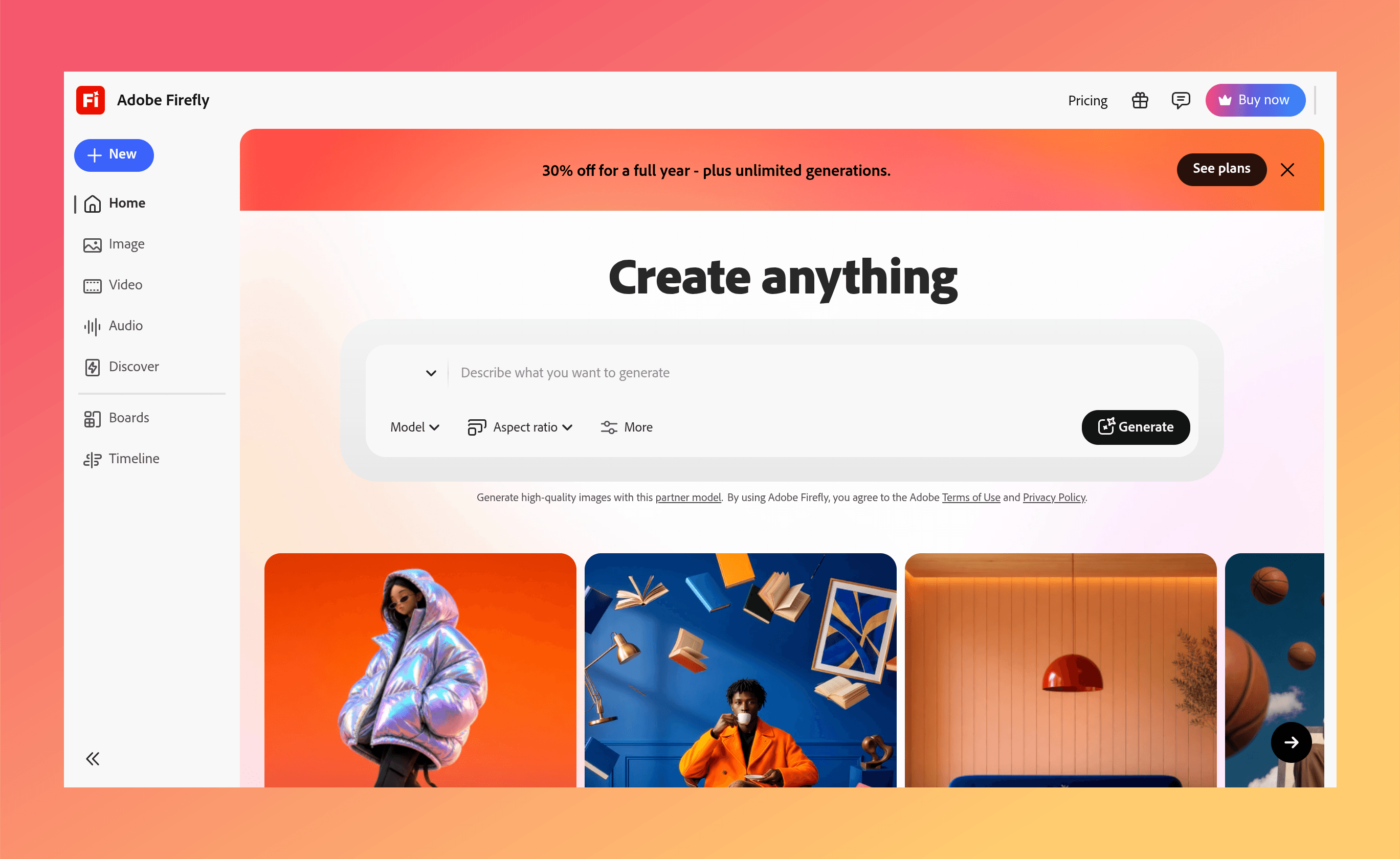
Best for: AI image editing inside Photoshop and Illustrator.
Firefly allows designers to remove objects, expand images, generate backgrounds, create vectors, and edit photos using generative AI.
Website: https://firefly.adobe.com
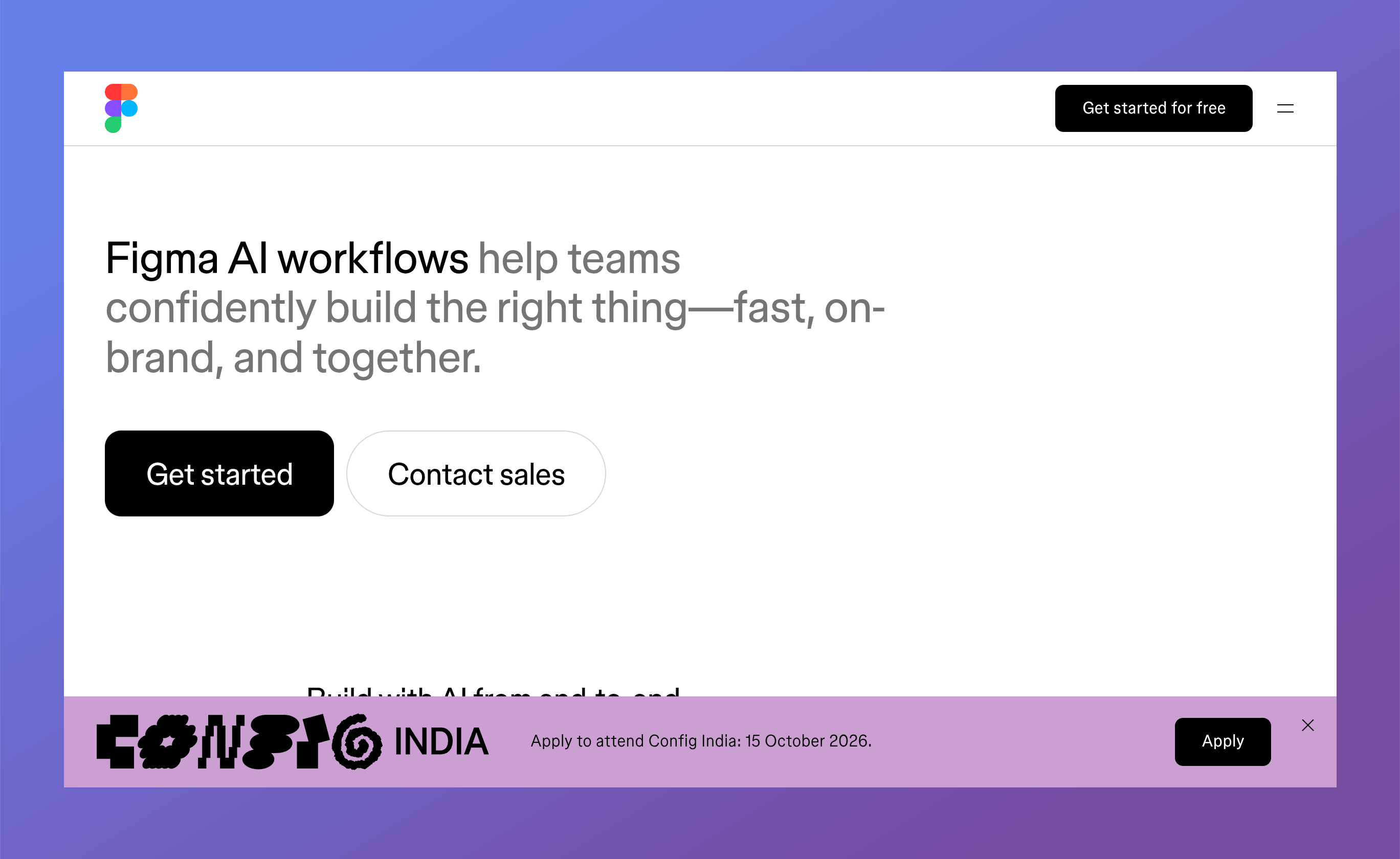
Best for: UI/UX design automation.
Figma AI speeds up interface design by generating layouts, renaming layers, creating prototypes, generating content, and helping teams design faster.
Website: https://www.figma.com/ai
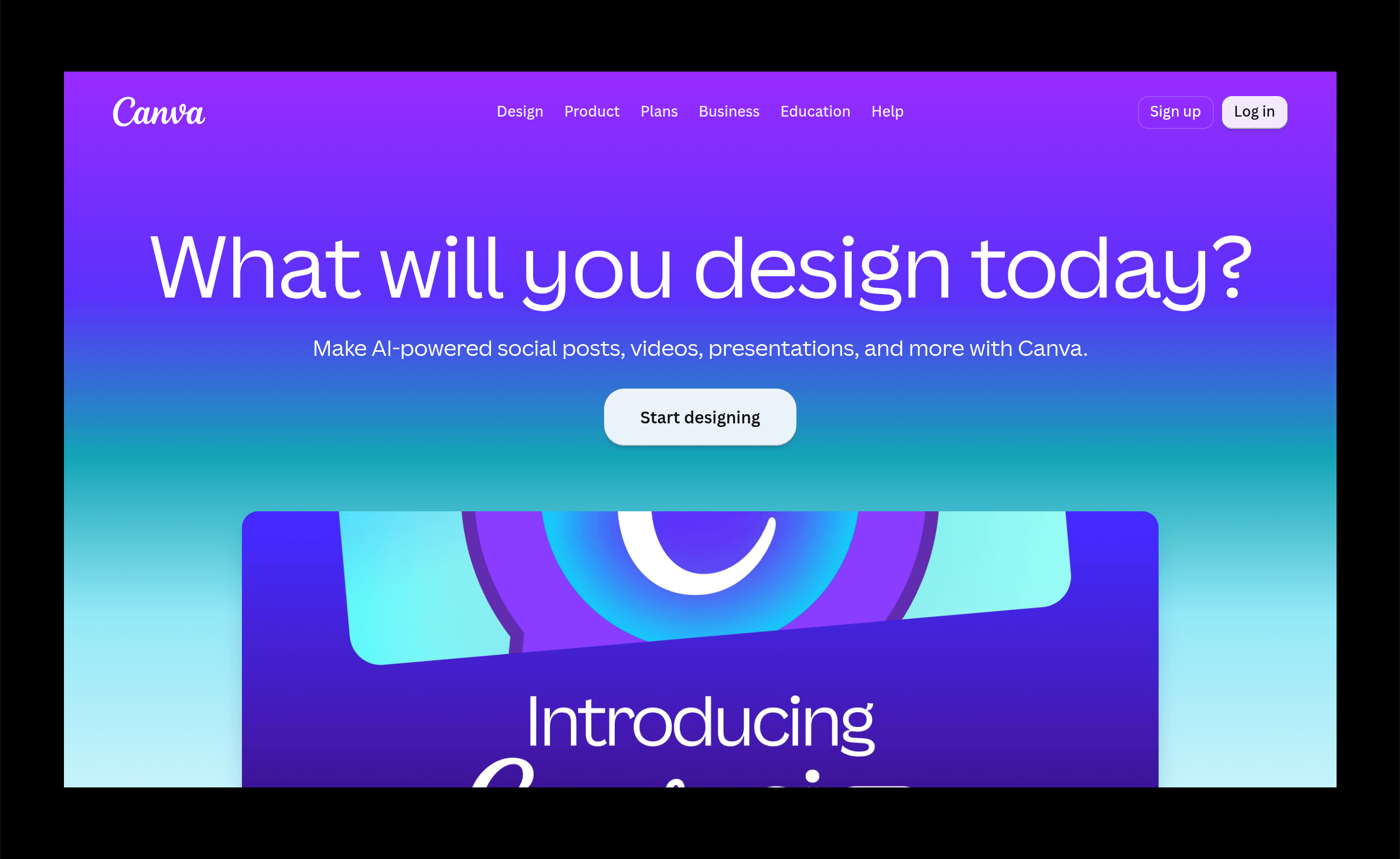
Best for: Social media graphics, presentations, and marketing creatives.
Canva AI includes Magic Design, Magic Write, AI image generation, background removal, and presentation creation, making it ideal for quick design tasks.
Website: https://www.canva.com
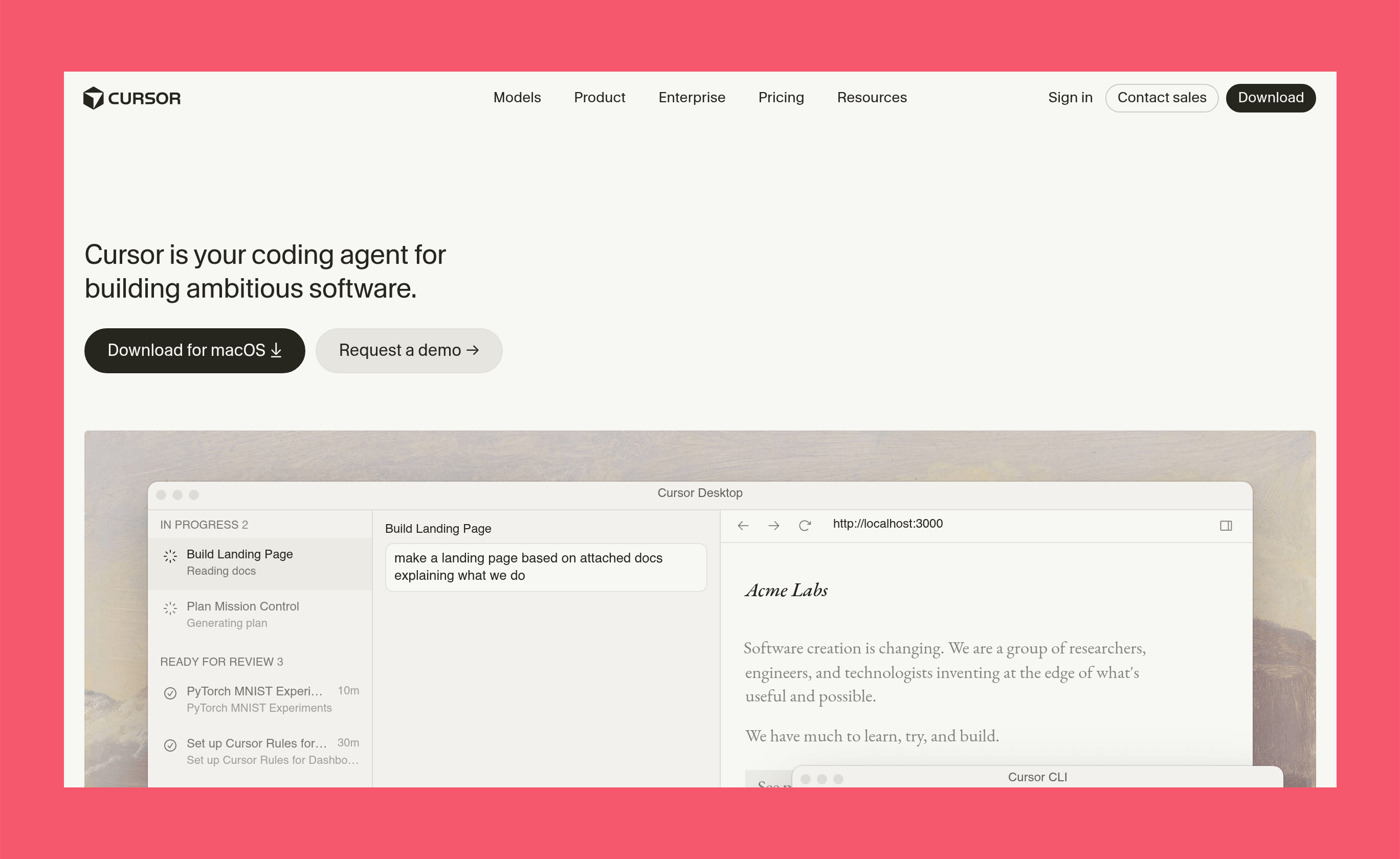
Best for: AI-assisted coding for designers and developers.
Cursor helps build websites, debug code, generate components, and speed up front-end development using AI.
Website: https://cursor.com
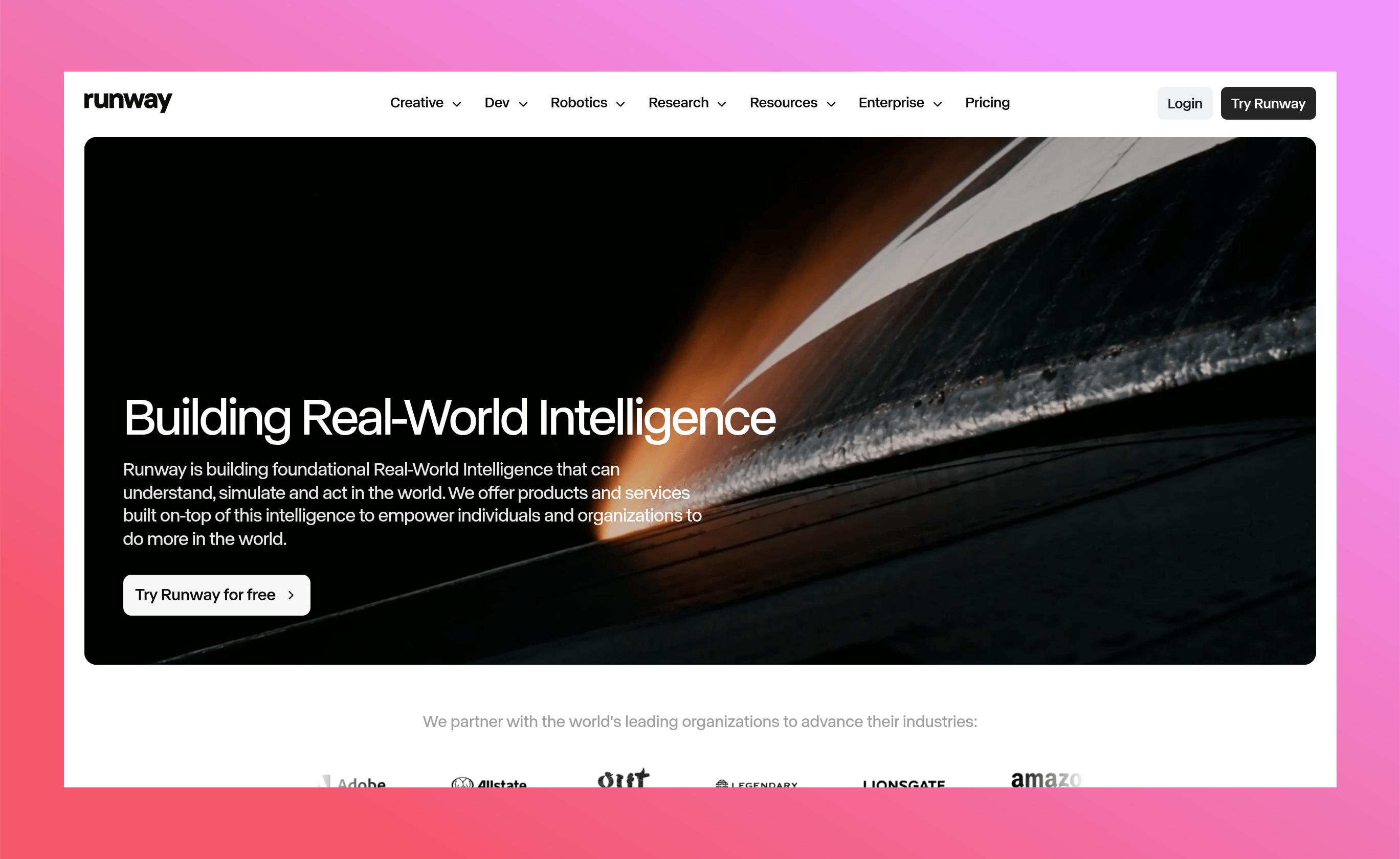
Best for: AI video creation and editing.
Runway enables users to generate videos from text prompts, remove backgrounds, create animations, and edit videos without advanced editing skills.
Website: https://runwayml.com
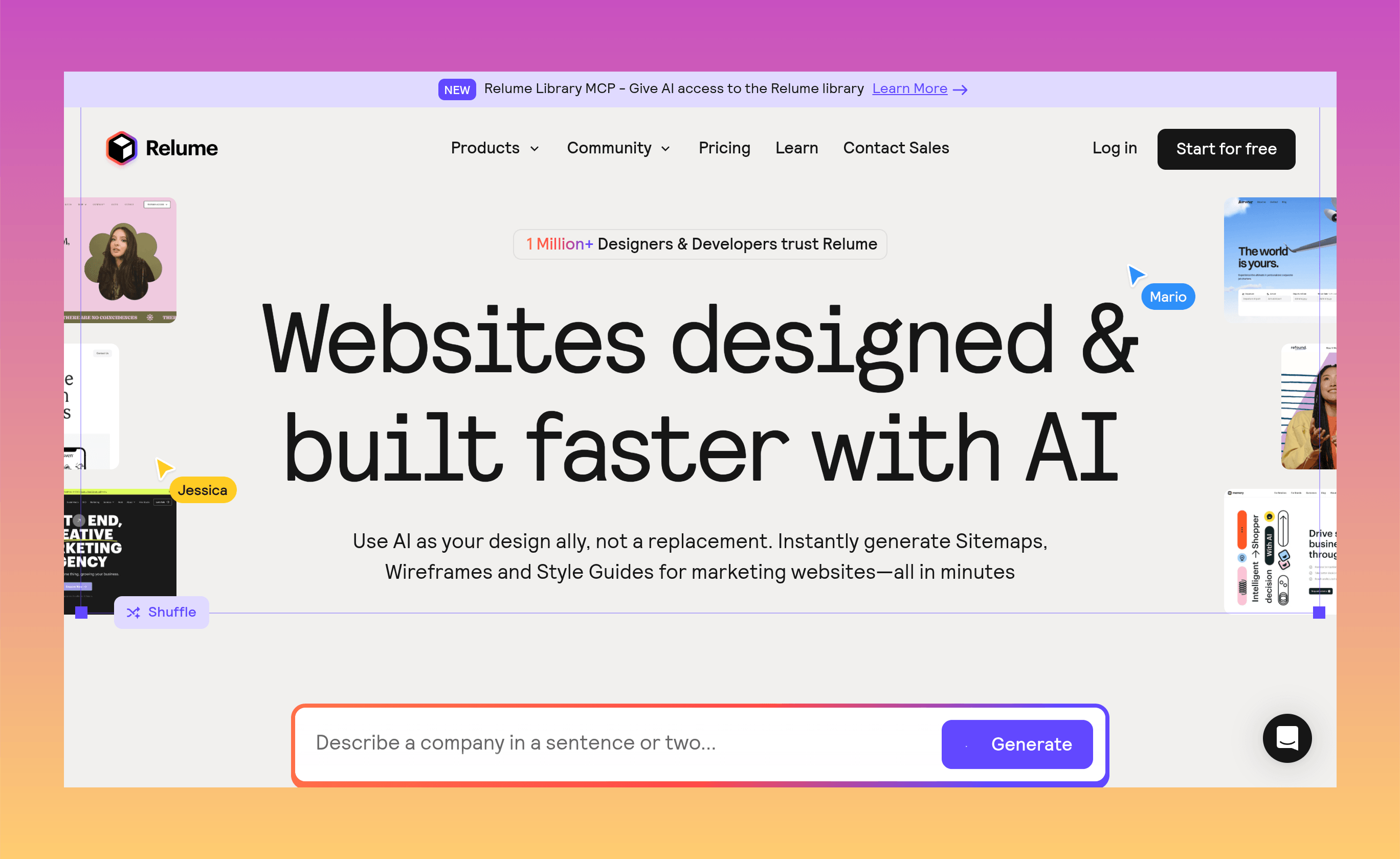
Best for: Webflow websites, sitemaps, and wireframes.
Relume quickly generates website structures, wireframes, and UI layouts, making it a favorite among Webflow designers.
Website: https://www.relume.io
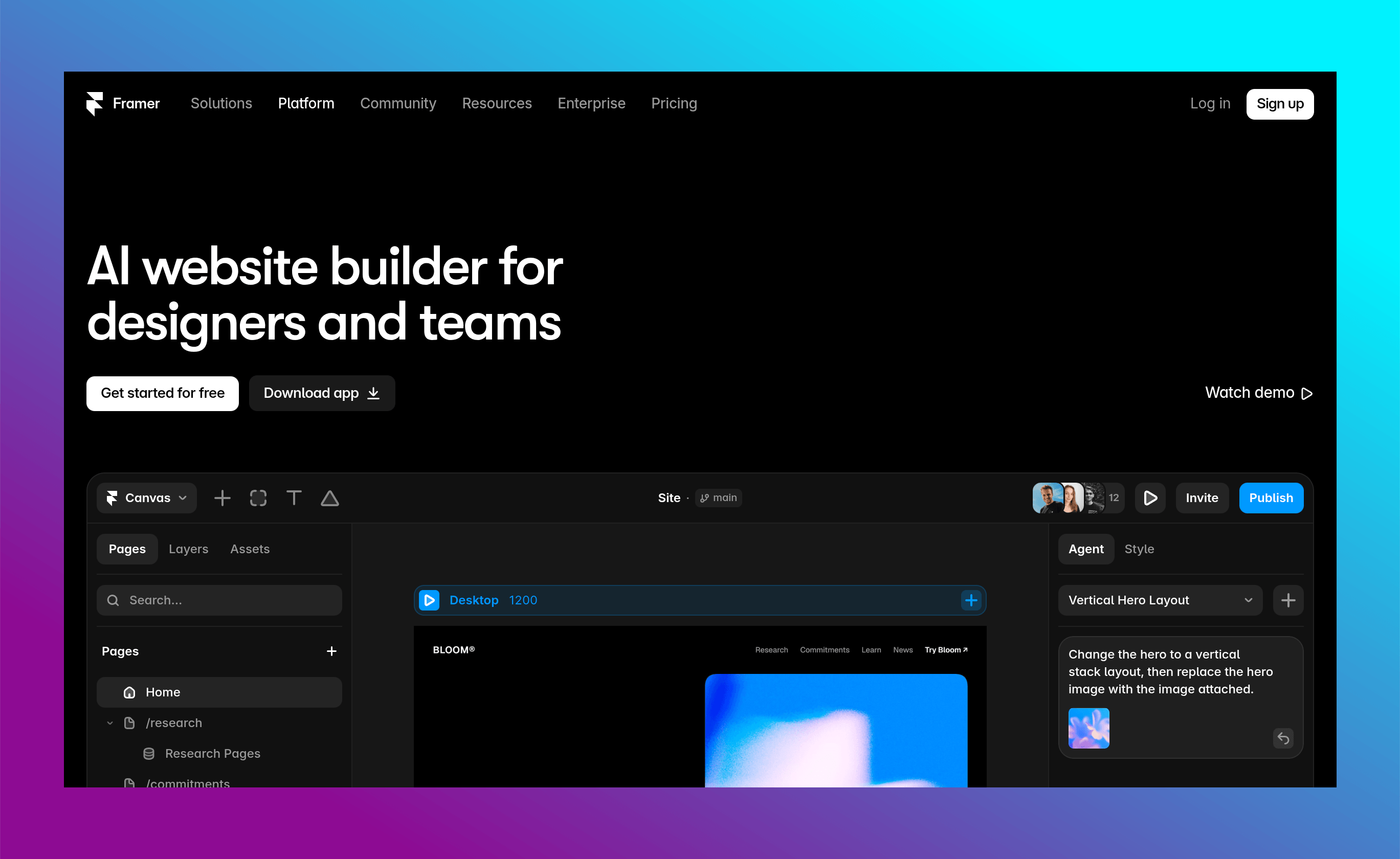
Best for: AI website generation.
Framer AI creates responsive websites from simple prompts, making it easy to launch landing pages and marketing websites quickly.
Website: https://www.framer.com/ai
Google's AI assistant for writing, brainstorming, coding, and productivity.
AI-powered search engine that delivers fast, cited answers for research.
Creates AI images with excellent typography and text rendering.
Open-weight AI image generation model known for realistic visuals.
AI-powered text-to-video generator with realistic motion.
Generate and edit short AI videos from text or images.
Google's advanced AI video generation model.
https://deepmind.google/technologies/veo/
Build full-stack web applications using natural language prompts.
Generate and deploy web apps directly in the browser using AI.
Create beautiful presentations, documents, and webpages with AI.
Summarize notes, write documents, and organize projects faster.
https://www.notion.so/product/ai
Turn sketches and text prompts into UI designs and prototypes.
Generate realistic AI voiceovers in multiple languages.
Create interactive 3D designs using AI prompts.
Generate game assets, illustrations, icons, textures, and marketing visuals.
AI tools continue to transform the way designers work. Whether you're designing websites, creating brand identities, editing videos, building products, or generating marketing content, these tools can help you save time and unlock new creative possibilities.
As AI evolves throughout 2026, keeping your toolkit updated will help you stay competitive and deliver better work more efficiently.

Get in touch to personalise your website with custom features and enhanced functionality.

250+ components. Zero fluff. Just clean webflow elements to help you build better websites faster.